/
4 Connecting Your Devices
4.1 Connecting a Computer
What you need:
The Innbox home gateway (included in the package);
An Ethernet RJ- (included in the package);
A personal computer or a similar device (not included in the package).
Steps to follow:
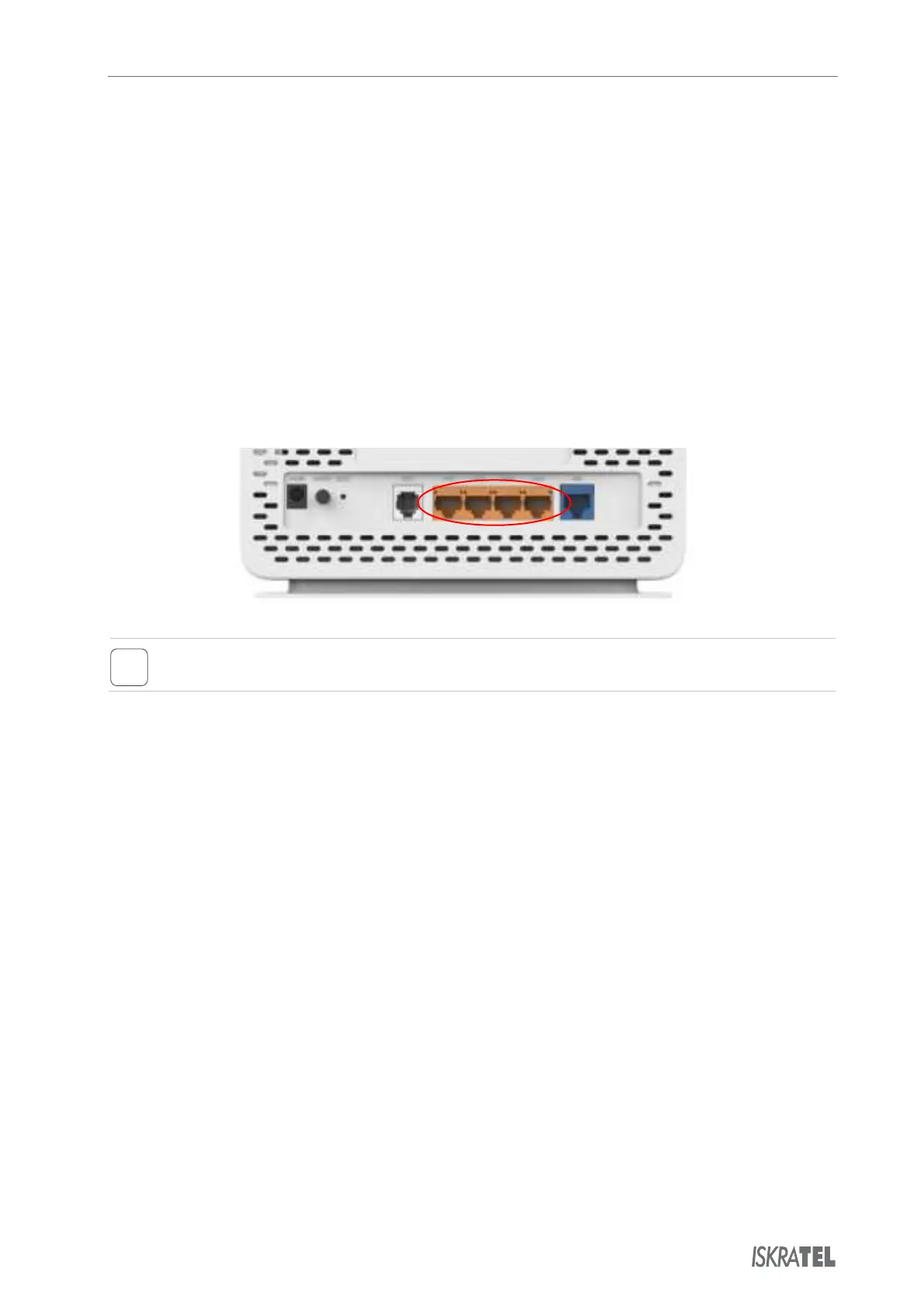
Plug one end of the Ethernet cable to one of the four ports on the home gateway (LAN
might be pre-configured for a specific service (data or video). If you obtain such
information from your service provider, plug
the computer to the designated port only.
Plug the other end of the Ethernet cable to the Ethernet port on your computer.
When the Innbox home gateway is switched on and your computer connected, pay attention to the
corresponding LAN light indicator. The light indicator should be on uninterruptedly or blinking.
© Copyright Iskratel. All rights reserved.



 To Next Page