21
Step Three
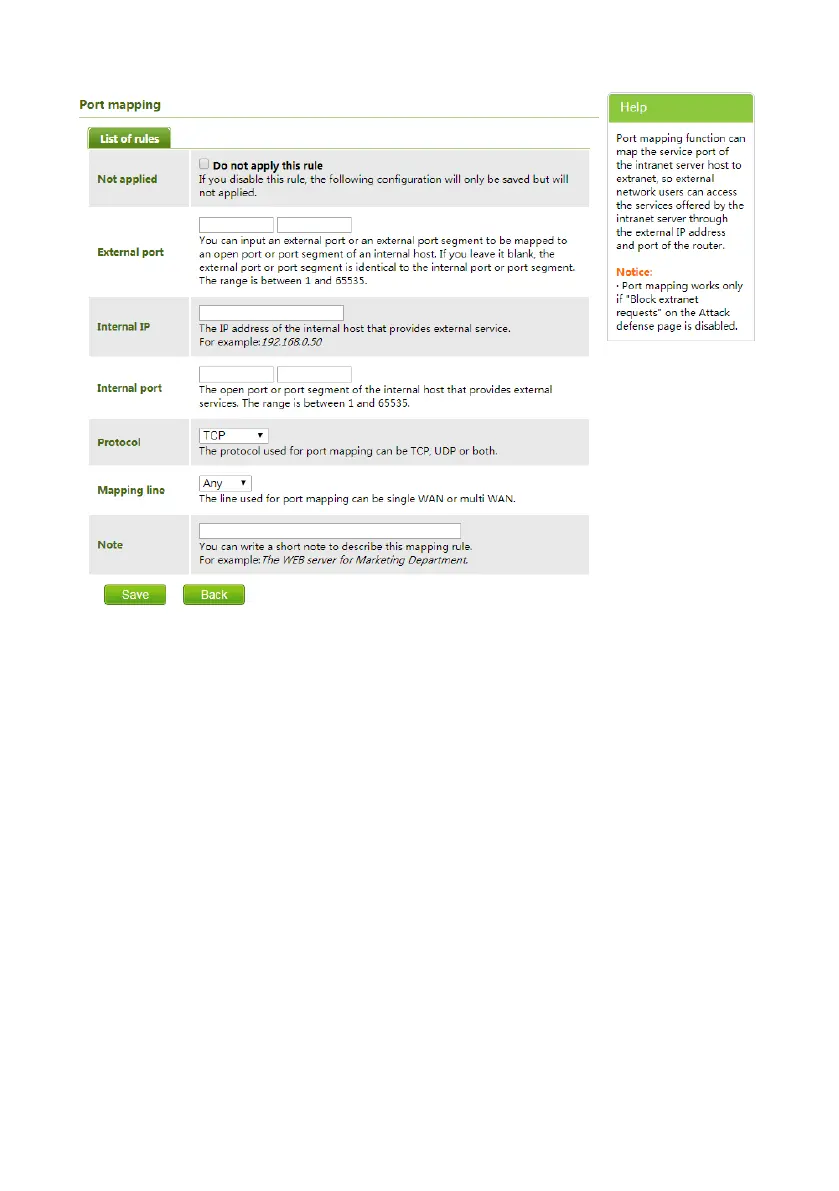
Access from external network: Router 1's public IP address is 115.200.31.100, for example, go
through the above steps one and two, WAN users under router 2 can access camera 1 through IP
address 115.200.31.100 + port 10200. Then, in WAN, the mapping of camera 1 and (IP
115.200.31.100 + port 10200) is established. Camera 2 can use another external port such as
10320, so mapping of camera 2 with (IP 115.200.31.100 + port 10320) is established. In the
"Managed Device" of the client software iSmart CMS, click "+ Add", enter the IP address
115.200.31.100 and port 10200 and other information, then the camera 1 can be accessed and
controlled.


 To Next Page
 Loading...