16
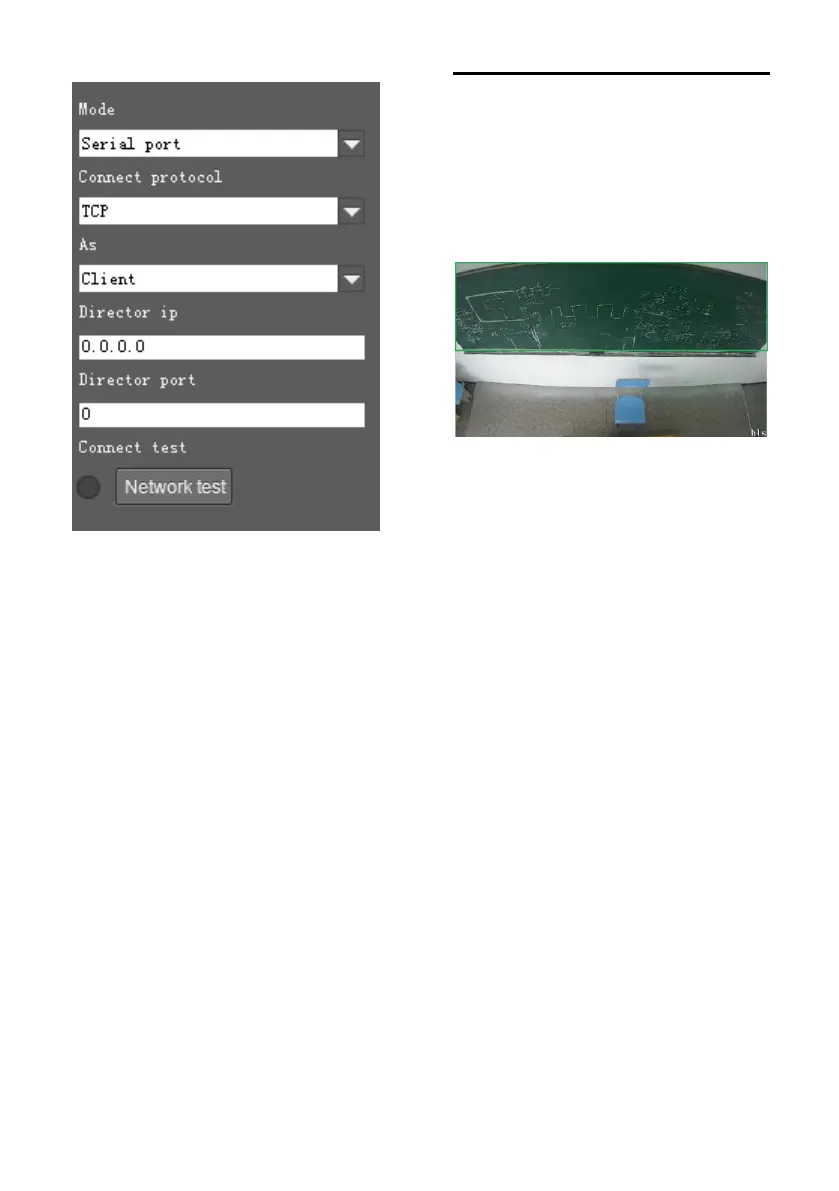
(Code Send) Mode: choose to send codes
via network or serial port;
Connect Protocol: once “Network” is
chosen as “Mode”, choose TCP or UDP as
communication protocol.
(Lecturer Tracking Camera) As: once
“Network” is chosen as “Mode”, choose
“Client” to actively communicate with
recorder, choose “Server” to await to be
communicated from recorder.
Director IP and Port: once “Network” is
chosen as “Mode”, configure recorder’s IP
address and Port at these two frames.
Blackboard Writing Sensor
After it is installed, please capture the
camera view and adjust the installation
position till the camera view is fully covered
the whole blackboard, shown as follows:


 To Next Page