22
Client Software instruction
Search and list the camera
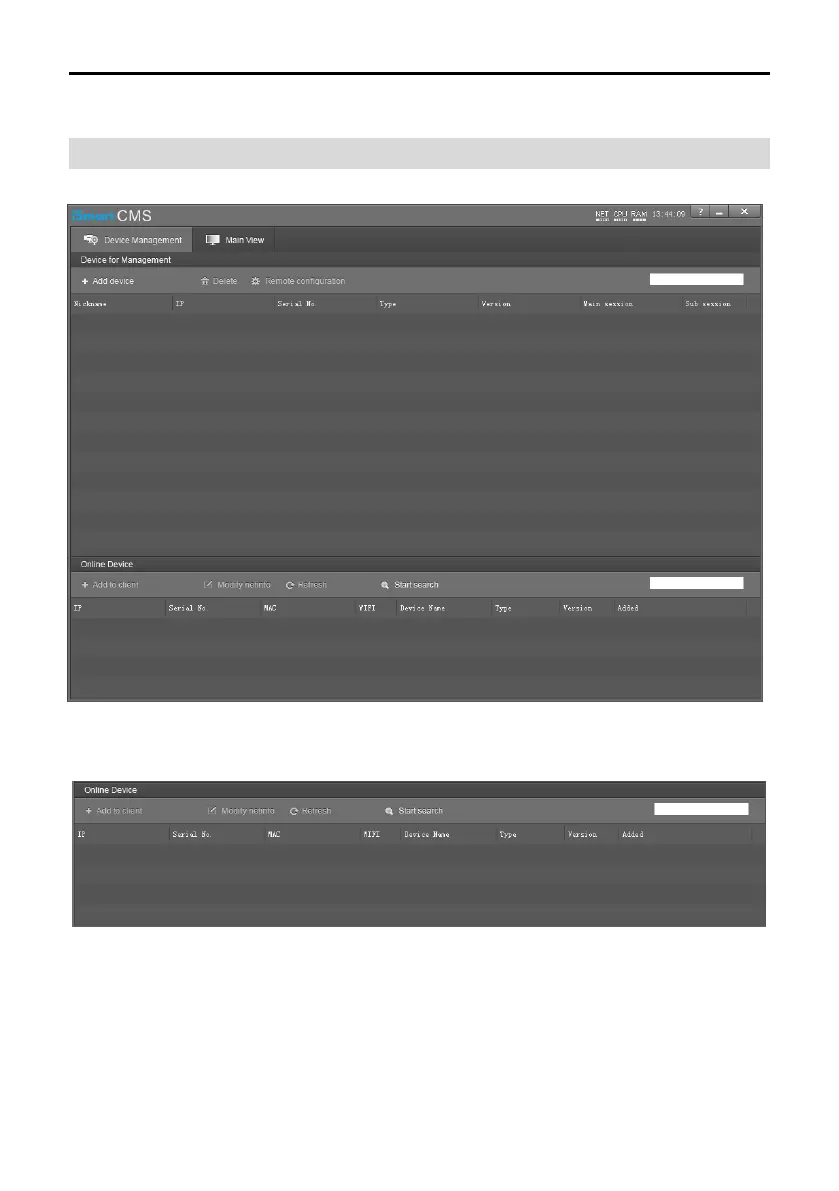
Install and open the client software in PC, enter the main interface:
If the camera and PC are in the same LAN, click “Start Search”, then searching starts and all online
devices will be listed, as the picture shown below:
To modify the device IP address, input the IP address, mask, gateway in the “Modify Network”
column.


 To Next Page