31
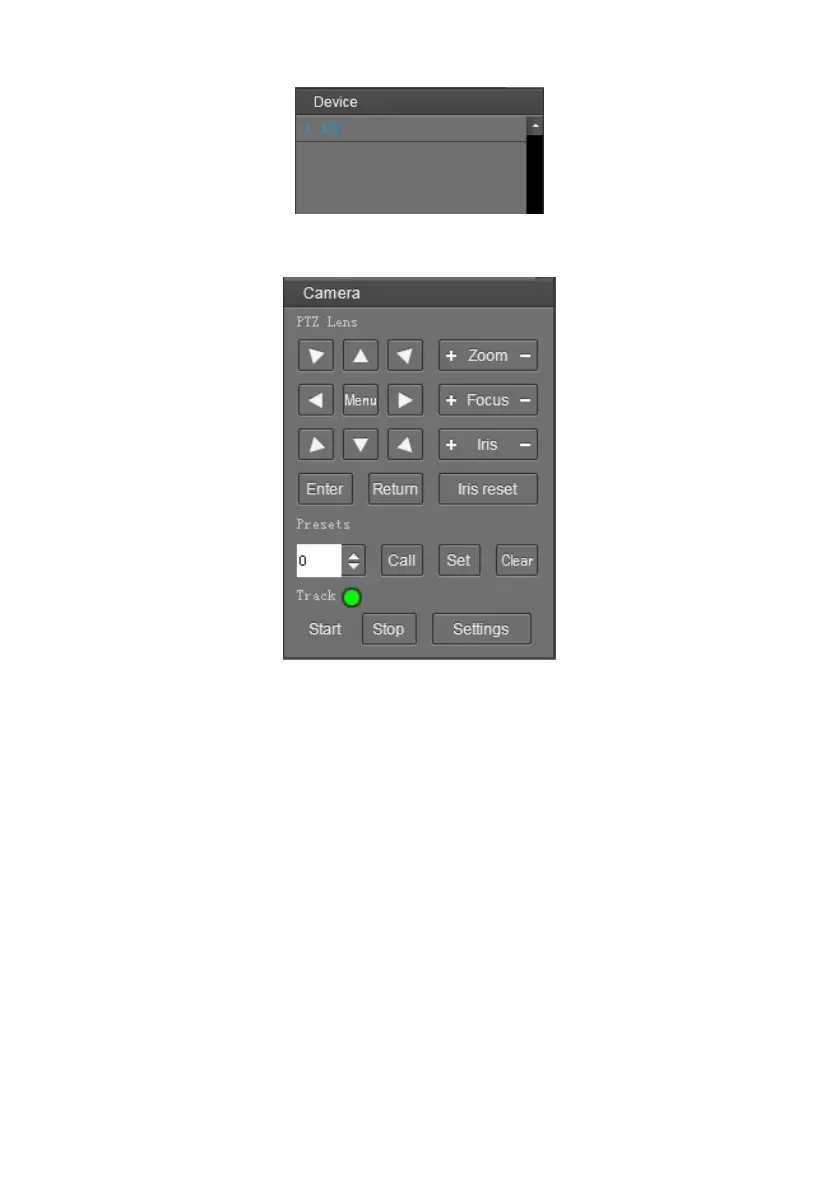
Device Control: get control of the selected camera (camera name in blue).
Video Preview: double click the camera in the list, main camera stream will be displayed in the
preview frame; or right click the selected camera from the left column to get its main or
substream video. Video preview mode can be single video or four video’s, when in four video’s
mode, select one of the four video’s then choose the bottom right icon to enlarge this selected
video to a big single frame.


 To Next Page