16
3-5 Diode Check
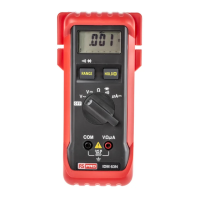
1. Set the function switch at "
<:" position.
2. Connect the black test lead to the "COM" terminal and the red lead to "VΩ µA" input terminal.
3. Connect the test leads to the diode. Normally the forward voltage drop of a good silicon diode is between 400V
to .900V. If the diode under test is defective, "000" (short circuit) or "OL" (non-conductance) is displayed.
Reverse Check of Diode: If the diode under test is good "1" is displayed. If the diode under test is defective "000"
or other values will be displayed.
3-6 Current Measurement
1. Set the function switch at "µA" position.
2. Connect black test lead to "COM" terminal and red lead to "VΩµA" input terminal.
3. Connect the test leads to the circuit to be measured.


 To Next Page