www.123filter.com | (678) 261-7611 | support@123filter.com Page 12
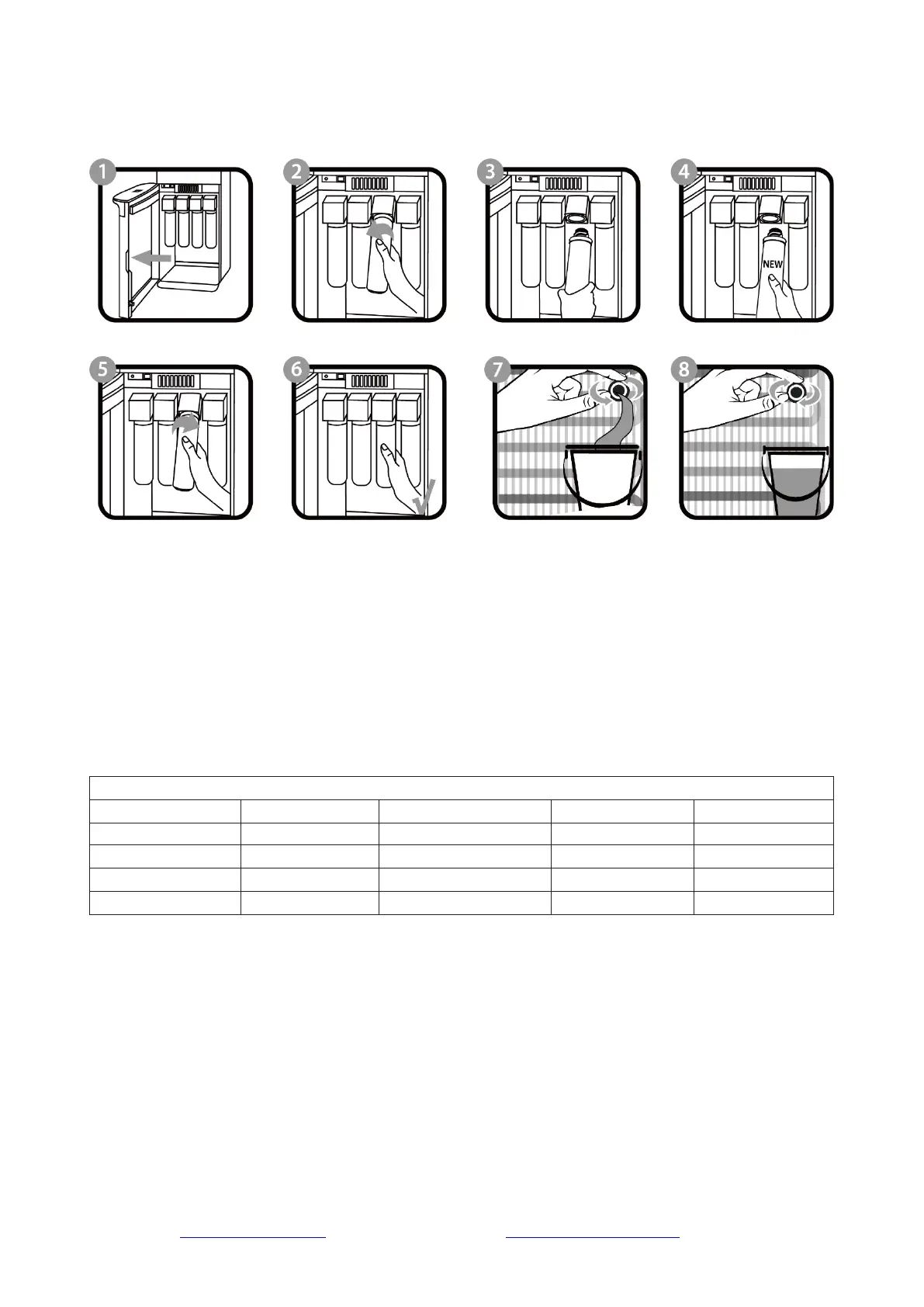
Changing the Filters
Step 1. Disconnect the power.
Step 2. Disconnect the water supply.
Step 3. Drain the Reservoirs. (page 11)
Step 4. Open the Lower Front Door Panel.
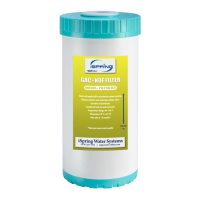
Step 5. Unscrew the filter(s) to be replaced. (turn left)
Step 6. Screw the corresponding replacement filter(s) into each slot. (turn right)
Step 7. Close the Lower Front Door Panel.
Step 8. After replacing the filter, flush the system by running the water for at least 30 minutes after
installing a new filter(s). (page 9, Operation, Installation, Step 3-7)


 To Next Page