Page
10
of
22
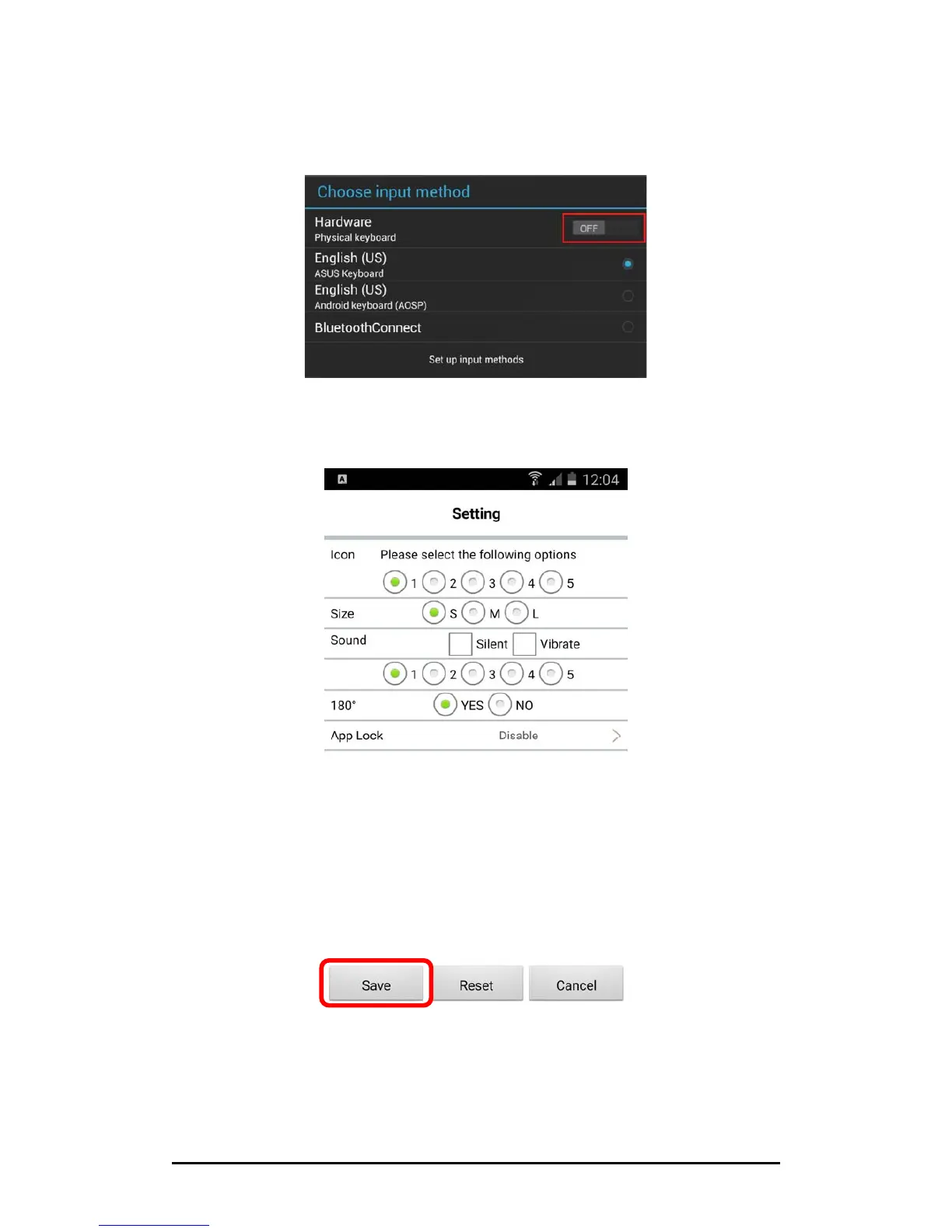
3. Inordertomakesuretheon‐screen keyboard will still function when operating
with the micro USB barcode scanner (emulating an external keyboard), please
switch off “Physical Keyboard”orswitchon“On‐screen Keyboard”ifany.And
then select your desired keyboard as input method.
4. Now you will enter the main Setting window. Setup the settings as appropriate
and tap “Save” to exit and save the settings.



 To Next Page