Page
18
of
22
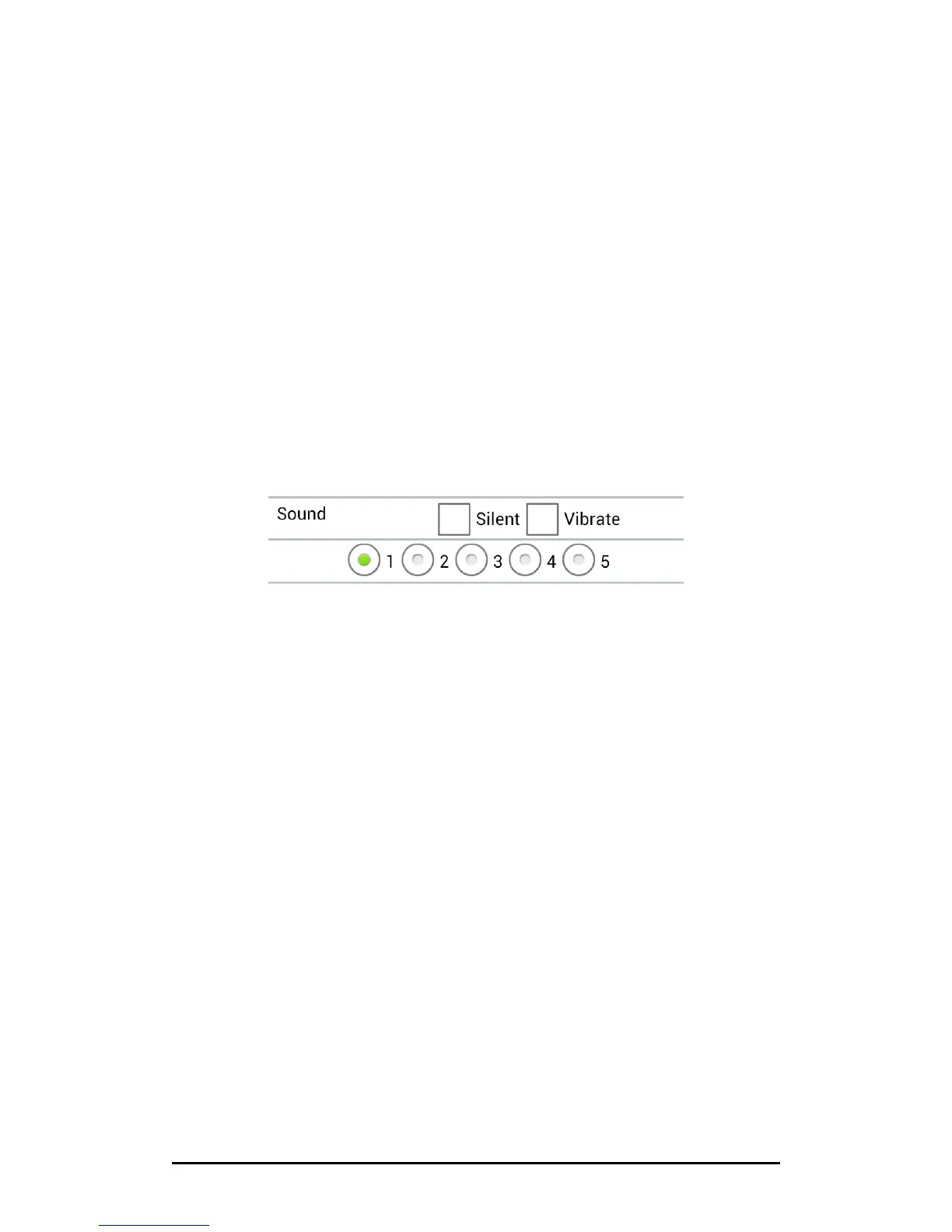
2‐3‐2Sound
ScanKey
®
allows users to customize the app’s scan sounds. Please follow below steps:
1. Create your own scan sounds in MP3 format.
2. Name them in following rule:
1.mp3
2.mp3
….
…
5.mp3
3. Place all the icons under below folder:
/storage/sdcard0/ScanKey/Sound
4. You may enter the main Setting window of ScanKey
®
and tap on below options to
change the sound as desired.



 To Next Page