Page
11
of
22
2‐2‐3 Scanning Operation
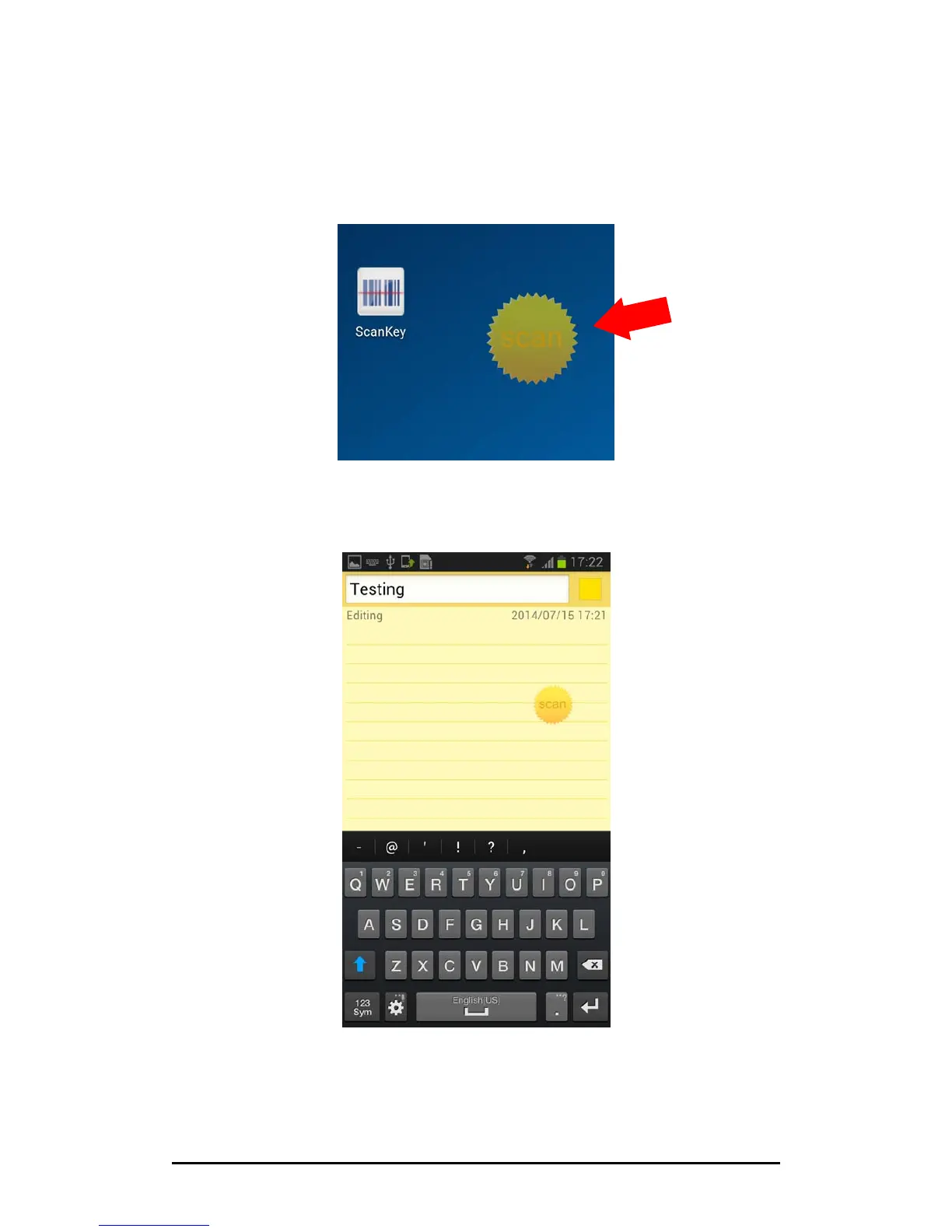
1. Once ScanKey
®
is successfully launched, a semi‐transparent scan button will
appear on your phone or tablet’s screen. The button can be moved around to any
corneryouwishandwillfollowyouanywhereyougoandintoanyappyou
launch.
2. Now please enter the app that you want to input the barcode data. The app must
be capable of receiving HID keyboard input.



 To Next Page