Page
19
of
22
Chapter 3 – Frequently Asked Questions
1. How to tell if my Android device supports USB OTG?
There are 3 ways to verify:
(1) Check the specifications of your Android device on the website.
(2) Download “USB O TG checker”fromGooglePlay.
(3) Simply plug a USB Mass Storage Device (USB Thumb Drive) to your Android
device and see if it detects a mass storage device is being connected.
2. Why doesn’t the scan button appear on the screen after launching
ScanKe y
®
?
Your Android device might not allow such application to pop up on the screen by
default. To fix this, please follow below steps:
Case 1 ‐ Xiaomi
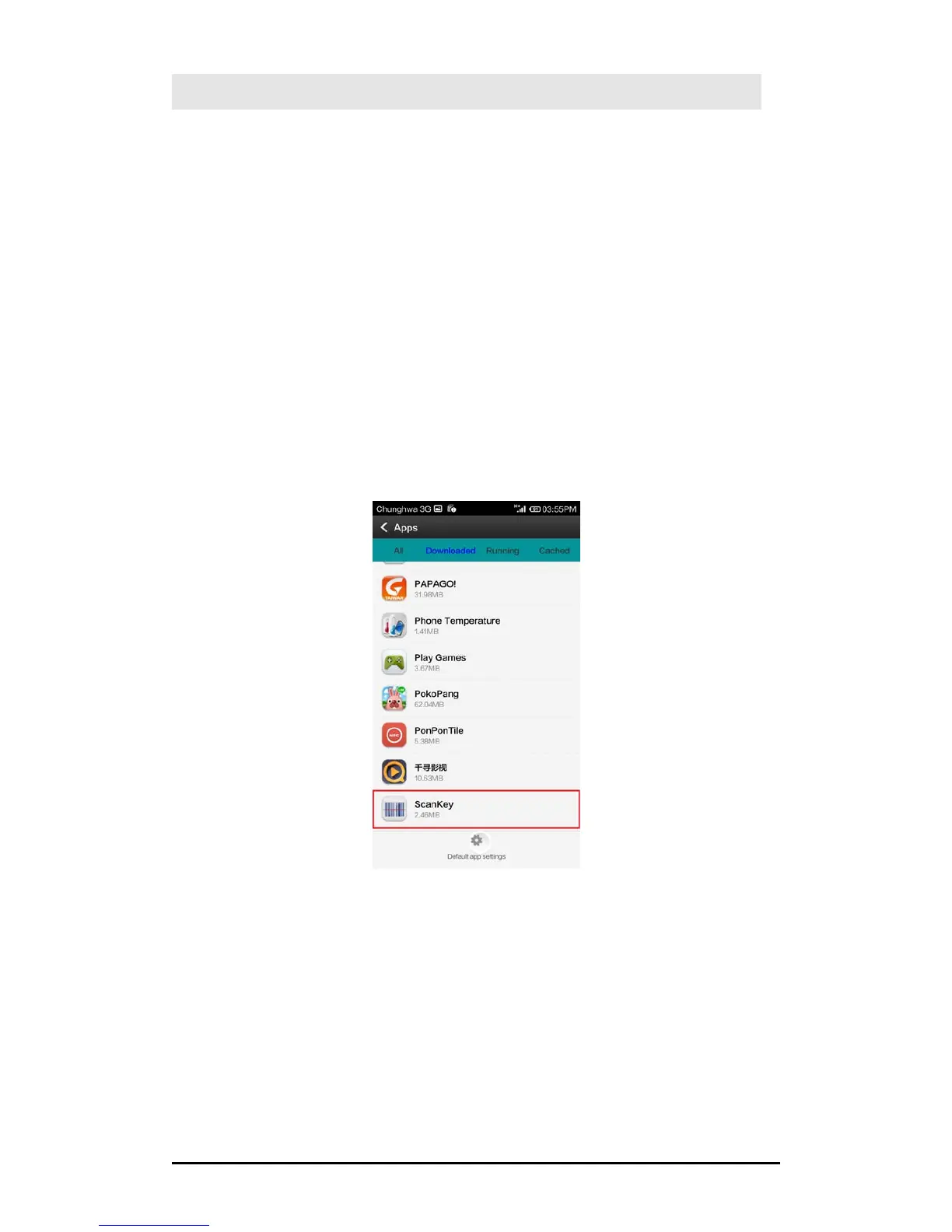
(1) Enter Settings > Apps > Downloaded,andtapon“ScanKey”.



 To Next Page