Page
7
of
22
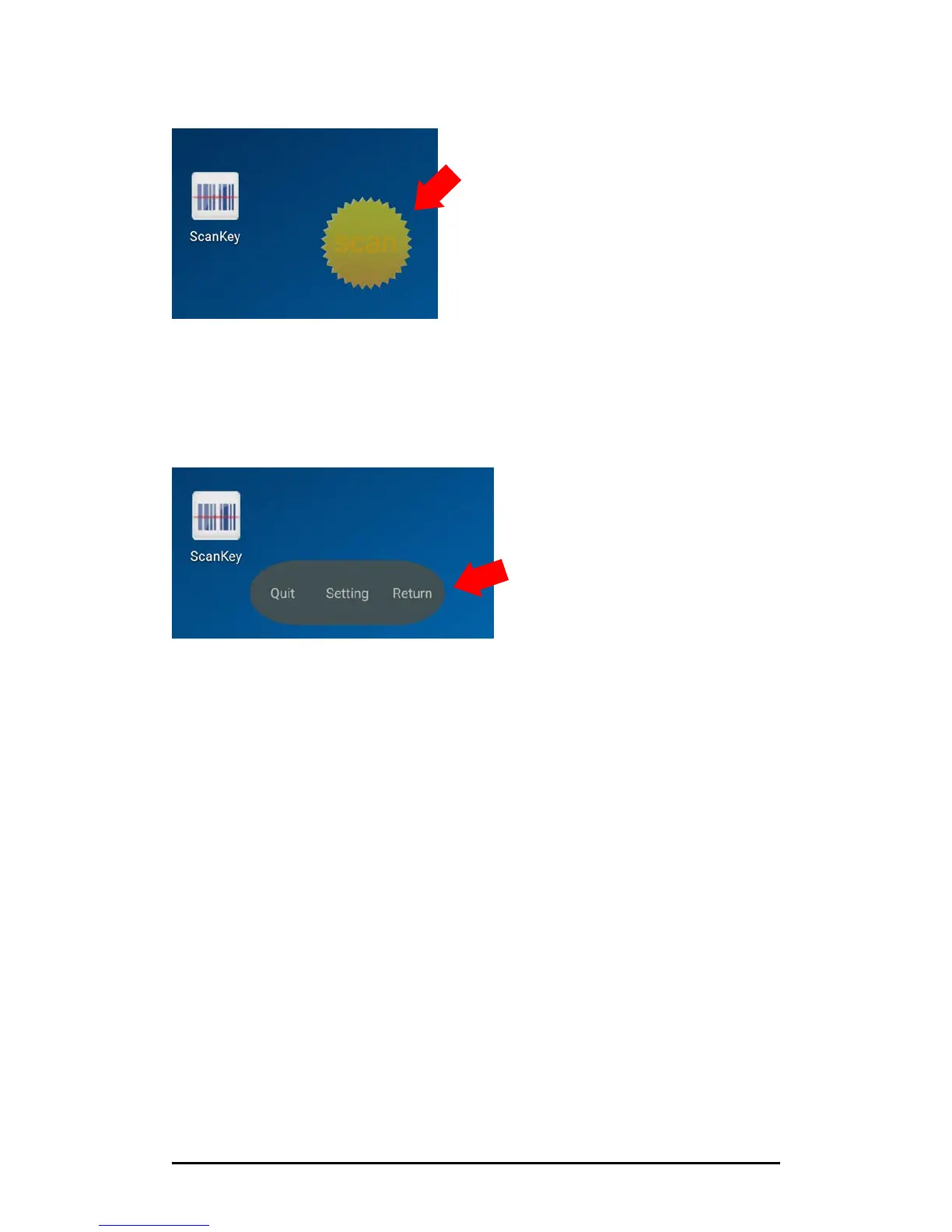
Quit/Setting/Return (QSR) Window
1. Long tap on the Scan Button icon for 5 seconds
2. QSR Window will pop up.
Tap “Quit” to stop the scan button app.
Tap “Setting” to enter the Setting Window of the scan button.
Tap “Return” to exit the QSR Window



 To Next Page