www.istorage-uk.com
6
diskAshur DT - Getting Started
Before you begin
Be sure to review the following information before you begin to use the
diskAshur DT.
Attention: Use only the included cables with your diskAshur DT.
You might damage the drive if you use a cable not included with the
diskAshur DT.
Connecting the diskAshur DT
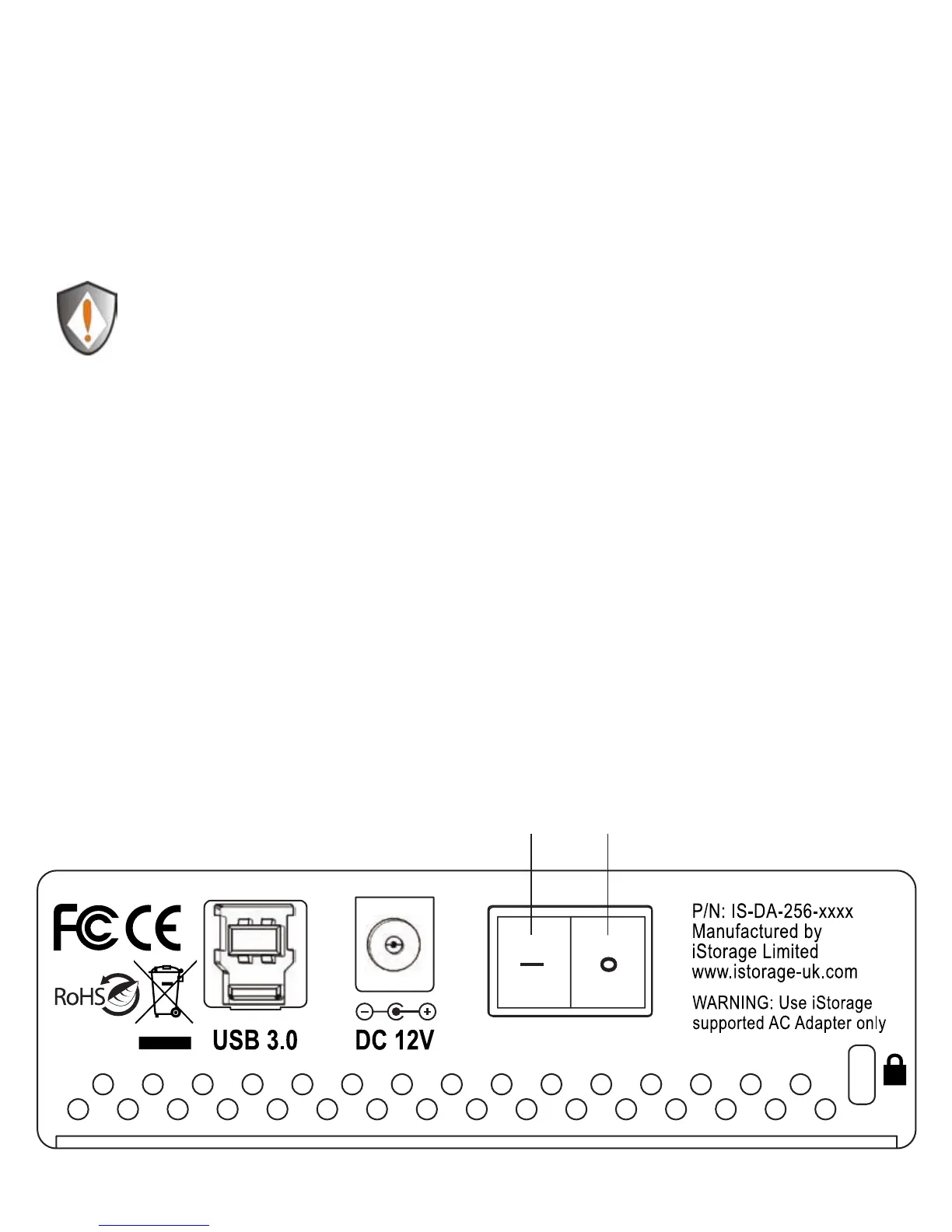
Ensure that the power switch on the back of the diskAshur DT is in the OFF 1.
position.
Connect the diskAshur DT to a power outlet using the included AC Adapter.2.
Attach the USB cable to the diskAshur DT drive and to an available USB port on 3.
your computer.
Turn the power switch on the back of the diskAshur DT to the ON position.4.
The LOCK indicator light should turn RED, indicating that the drive is now ready 5.
to use.
O
|
On Off














 To Next Page