16
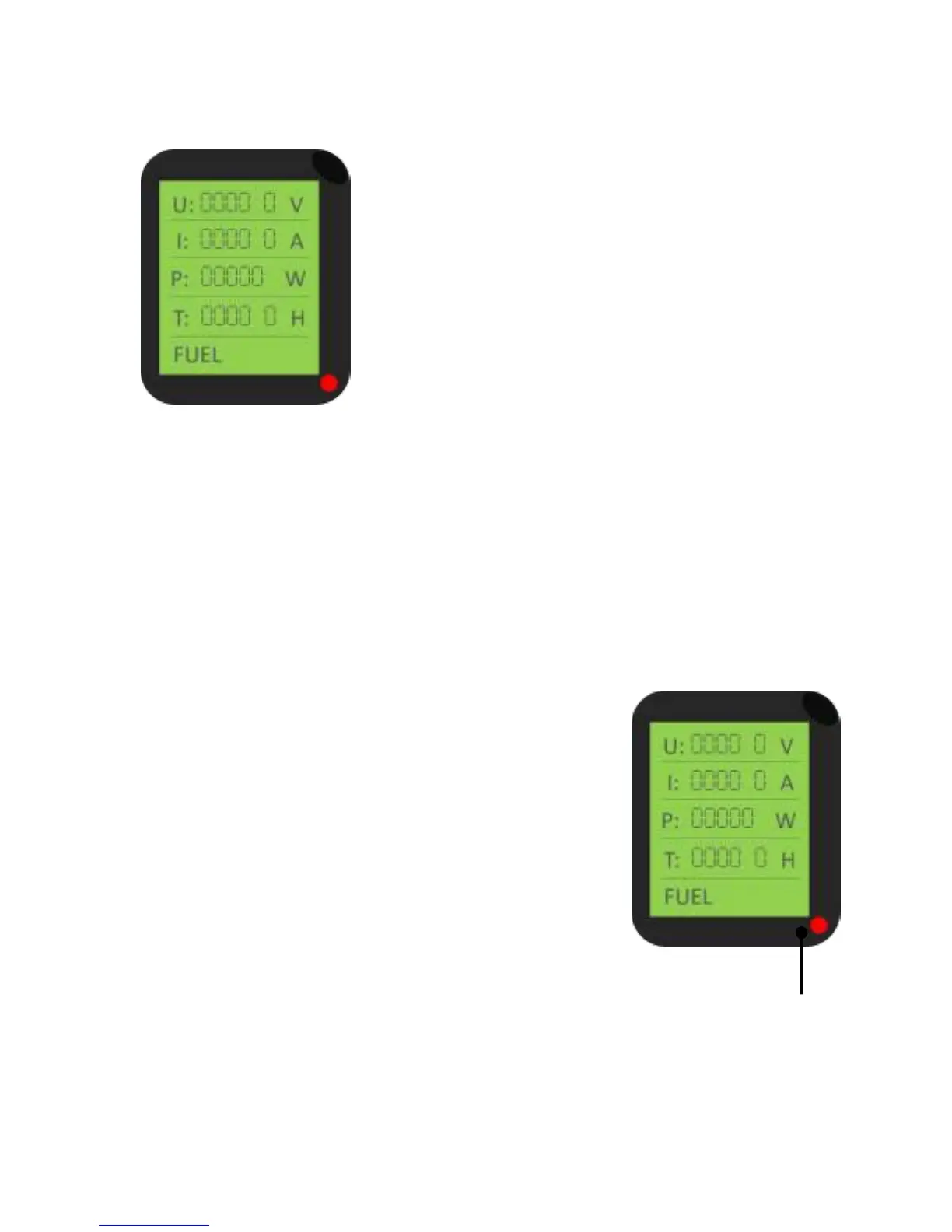
DIGITAL DISPLAY
Under normal operating conditions, the digital
display will show 240v.
If the iTechworld AU4i Inverter Generator
overloads or short circuits, the digital display will
show ‘over’. If an overload occurs no power will
be produced.
If your iTechworld AU4i Inverter Generator
overloads, first disconnect your equipment and
check if the equipment is faulty. If nothing is faulty, check the operating
wattage of your devices does not exceed the operating wattage of the
iTechworld AU4i Inverter Generator.
Once resolved, press the ‘OVERLOAD RESET’ button for 5 seconds and
release. Once the button is released, your ITechworld AU4i Inverter
Generator will start to produce power and the digital display will show
240v.
OIL ALARM SYSTEM
The ITechworld AU4i Inverter Generator oil alert is
designed to prevent damage due to the lack of oil.
If your ITechworld AU4i Inverter Generator oil level
gets low, it will automatically shut down to prevent
damage. If this occurs, ensure you turn the key to
the ‘off’ position.
If you try to start your ITechworld AU4i Inverter
Generator with low oil, the oil warning light (red)
will flash. If this occurs, add oil.
Oil warning light


 To Next Page