18
iTero Element 5D operation manual English
Chapter 7:
Clinic LAN
network guidelines
Introduction
The iTero Element 5D scanner uses the Wi-Fi internet connectivity
in order to send and retrieve scans to and from the iTero cloud.
As a recommendation, it is always best to have the state-of-art
available technology. Here are some helpful guidelines for the best
Wi-Fi connection:
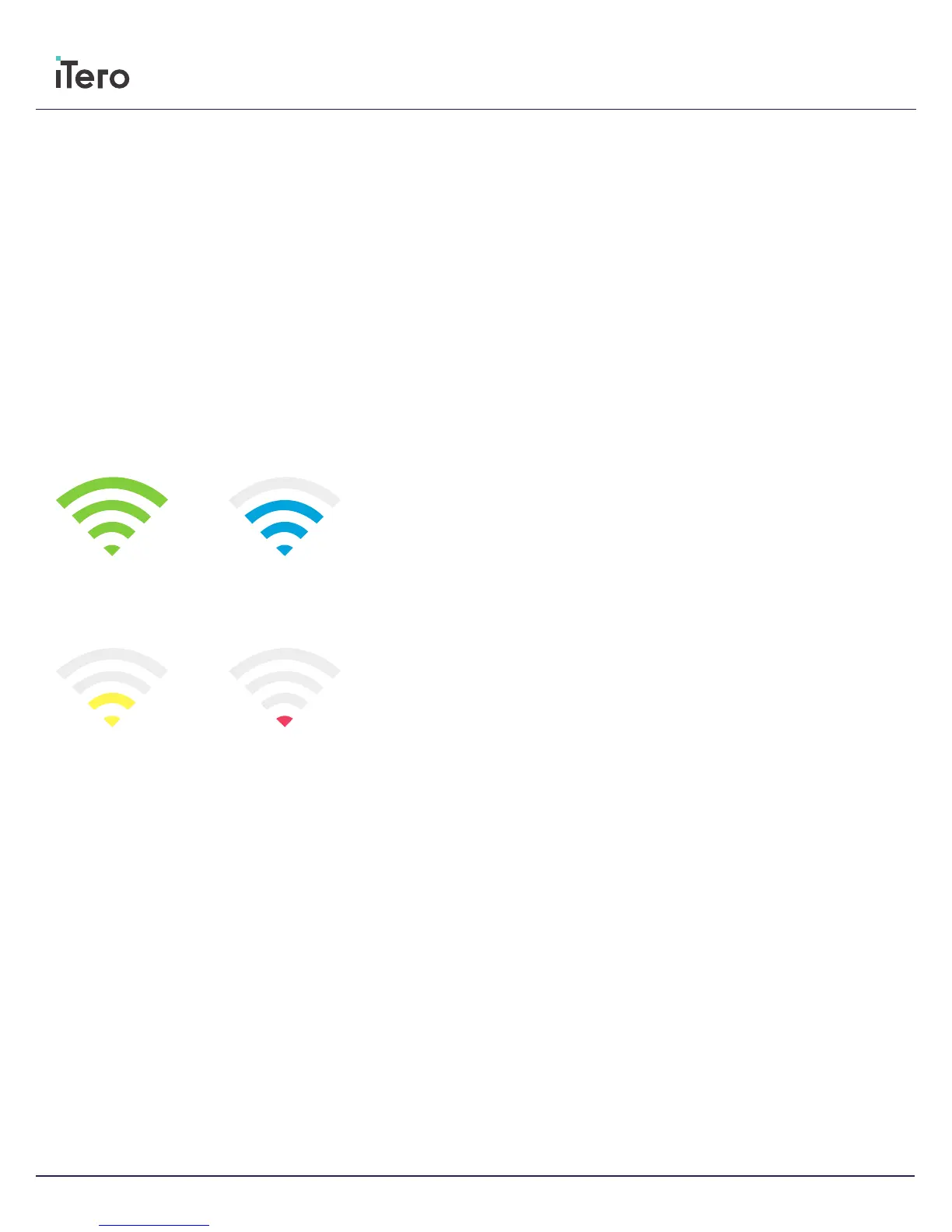
Levels of Wi-Fi Internet Connectivity
• IMPORTANT: In order to achieve the best performance of your
iTero Element 5D scanner, ensure that the Wi-Fi signal strength is
“Excellent” or at least “Good”.
• CAUTION: While scanning a patient, do not connect a LAN
cable to iTero Element 5D—it is forbidden due to safety hazard
reasons.
Excellent
>-50 dBm
Good
-50 to -60 dBm
Fair
-60 to -70 dBm
Weak
<-70 dBm



 To Next Page