Control Codes PcOS Series 150 Programmer's Guide
Rotated Print
Page 44 Rev G 12/14/99
Function Set rotated print line spacing
ASCII [ESC] u <n
1
> <m
1
> <n
2
> <m
2
> ... <n
i
> <m
i
> <0>
Hexadecimal 1BH 75H <n
1
> <m
1
> <n
2
> <m
2
> ... <n
i
> <m
i
> 00H
Decimal <27> <117> <n
1
> <m
1
> <n
2
> <m
2
> ... <n
i
> <m
i
> <0>
IPCL none
EPOS none
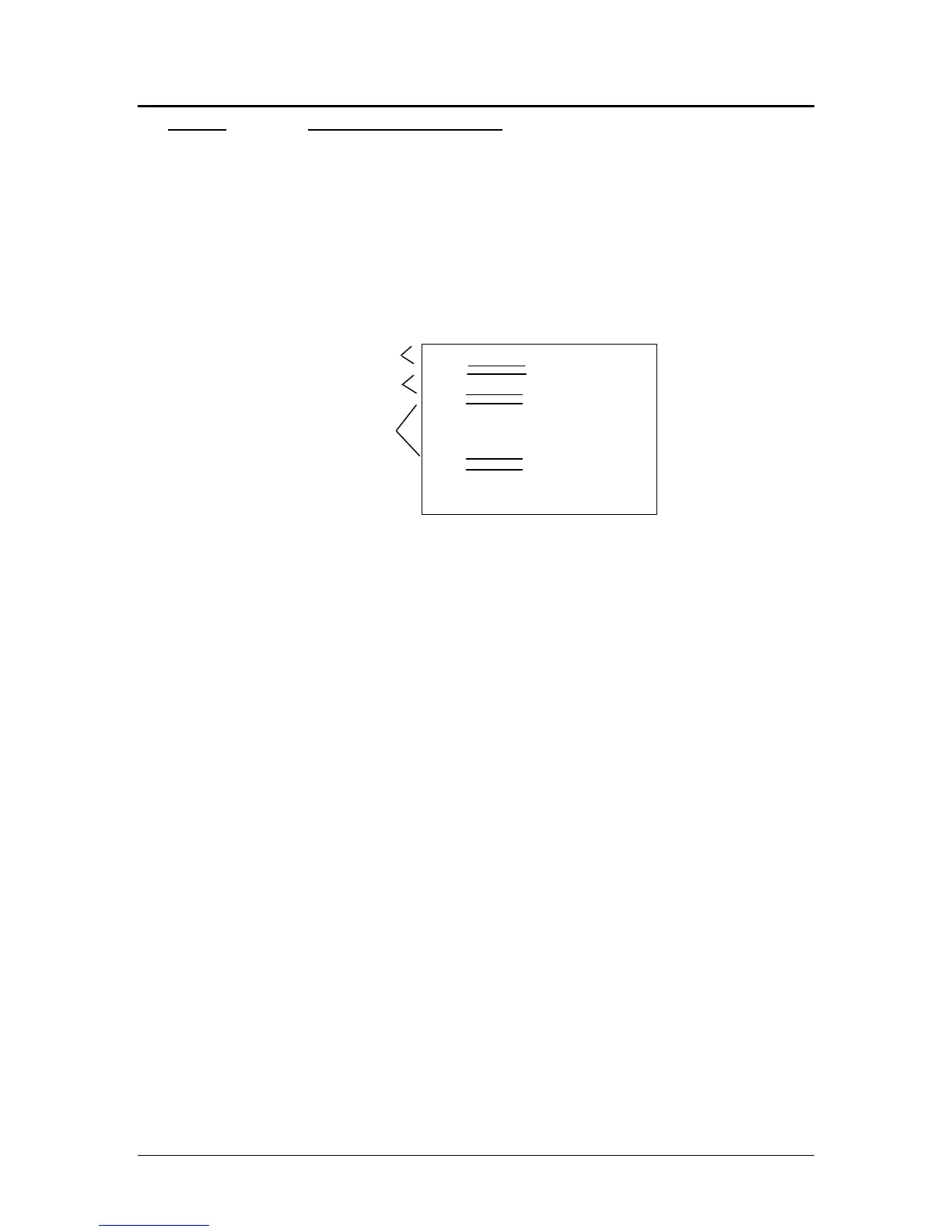
Description This command adjusts the line spacing for each rotated print line where n
i
is
the line number and m
i
is the spacing in dot columns (1/80 inch) from the
previous line.
For the first print line, the distance is calculated from the margin. An n
i
value
of 0 is used to terminate the command. Any unspecified spacing will be set to
one. This allows data to be accurately positioned on an inserted form. These
values will be used as a template for all subsequent rotated print. On power up,
all spacing is preset to 1/80 inch (n = 1, 8 lines per inch) for all lines. This
command is only effective in 90° and 270° rotation. It will remain in effect
until a new table is received or until the printer is power cycled. An [ESC] u
<0> will have the effect of setting all lines to one. This table can be overridden
by [LF] or [ESC] J <n> commands in the rotated print data.
The value of m can be from one to 127; n can be from one to 22.
Table 12 on 40 specifies the line spacing for this command.
Second line
Third line
Left margin
n=1, m
n=2, m
First line



 To Next Page