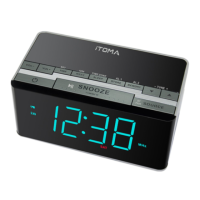
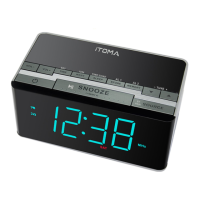
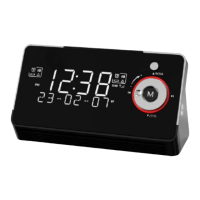
Press SOURCE button until "AUX" appear on LED display,
connect your audio or mobile device and play music through the
clock with 3.5mm earphone jack.
VOL+
VOL-
TIME ZONE
Z
Z
Z
VOL+
VOL-
TIME ZONE
Z
Z
Z
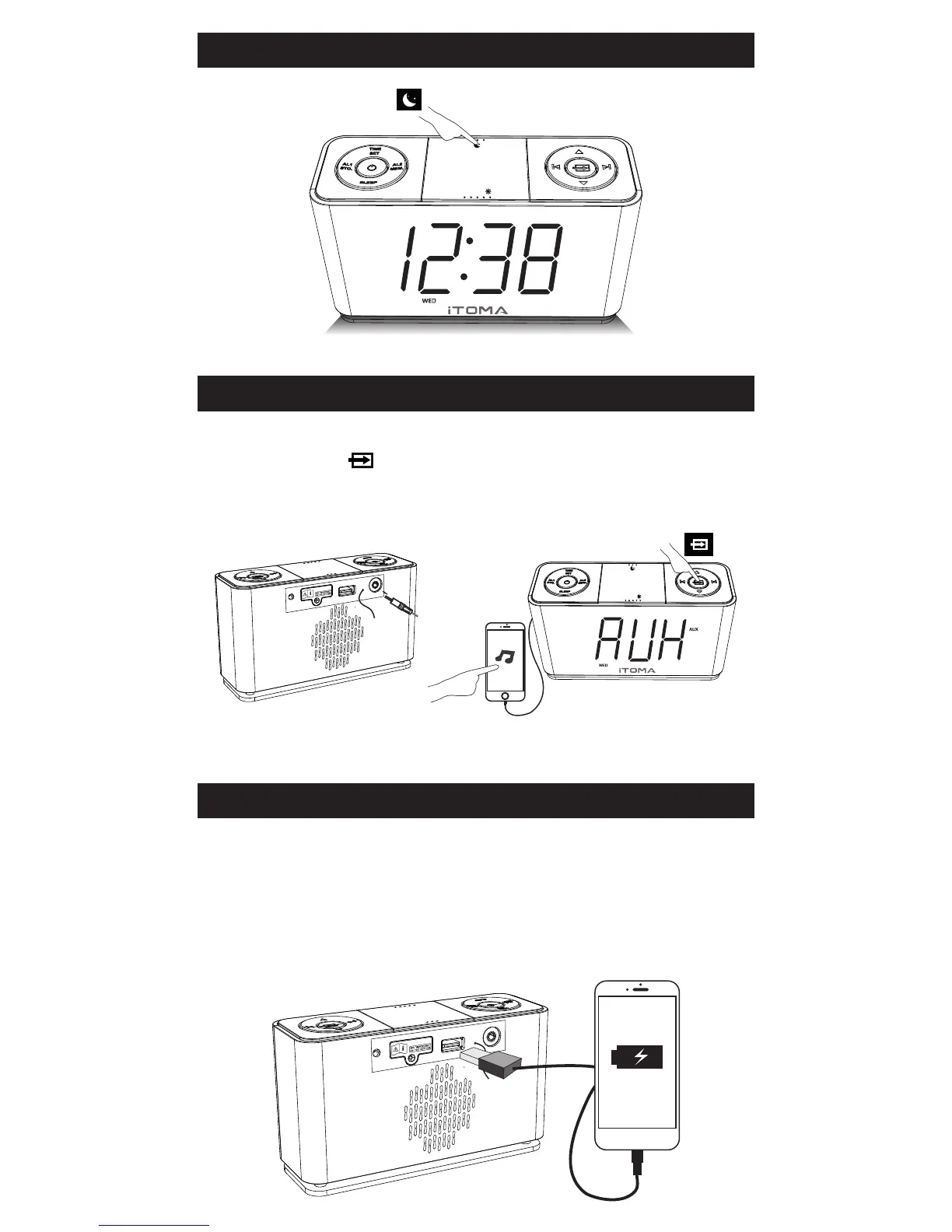
Night Light turn on / off
AUX IN (Auxiliary Input)
You can connect your device to this unit for charging
Note: Output 5V up to 1.5A for charging
mobile phone or portable
digital audio player.
USB for Charging
Press


 To Next Page