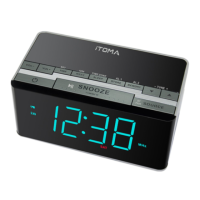
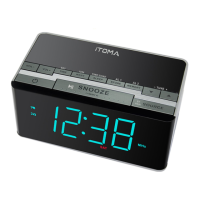
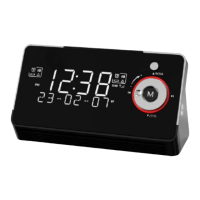
OFF : Only time was shown on the display
Power Source
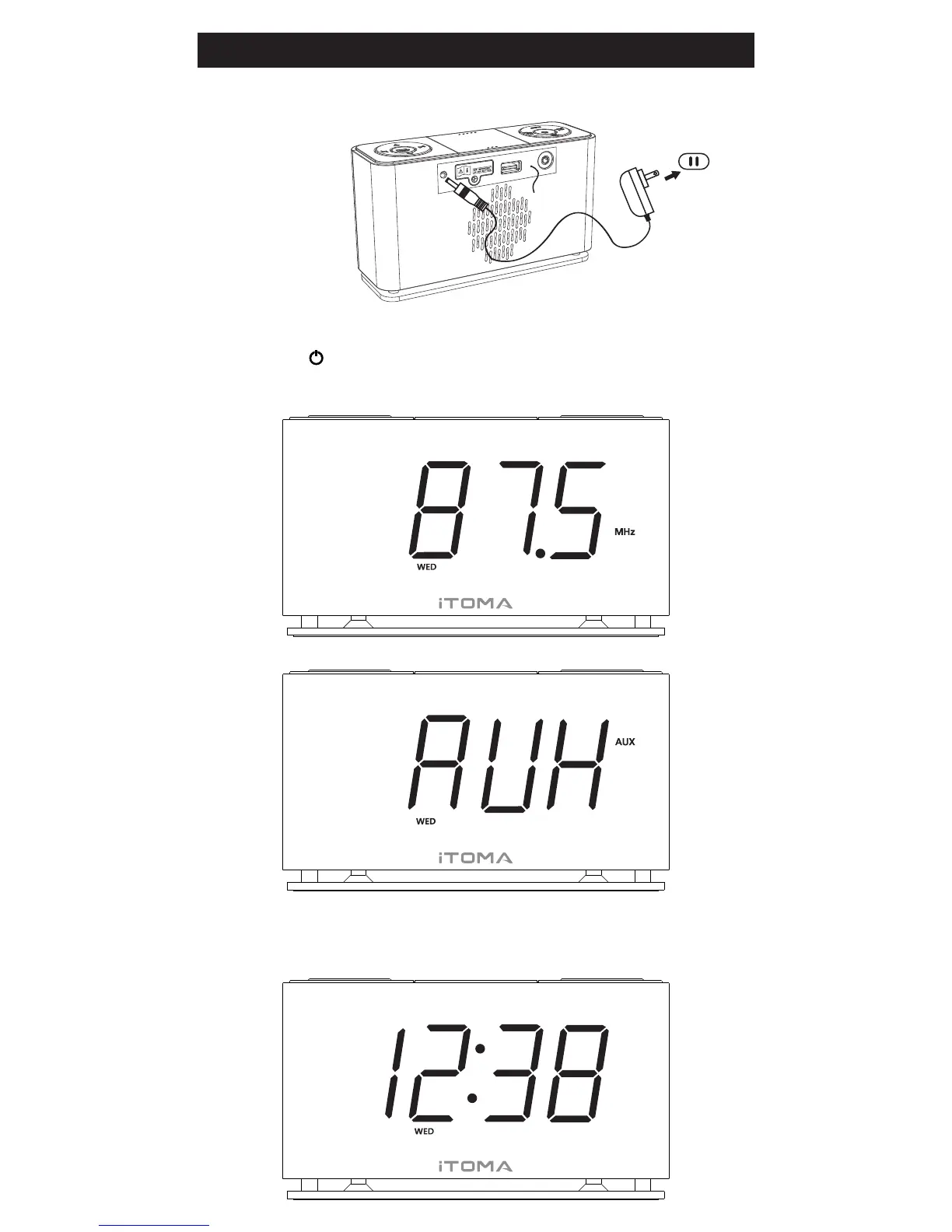
When the clock is connected to the AC outlet for the first time the
display will default Stand by mode.
ON : Radio or Auxiliary mode
Press the button to ON/OFF the unit
Display radio frequency
“AUX” means into Auxiliary Mode
Preparation for Use
AC adapter’Plug
AC outlet
Please refer to AUX IN function in later page


 To Next Page