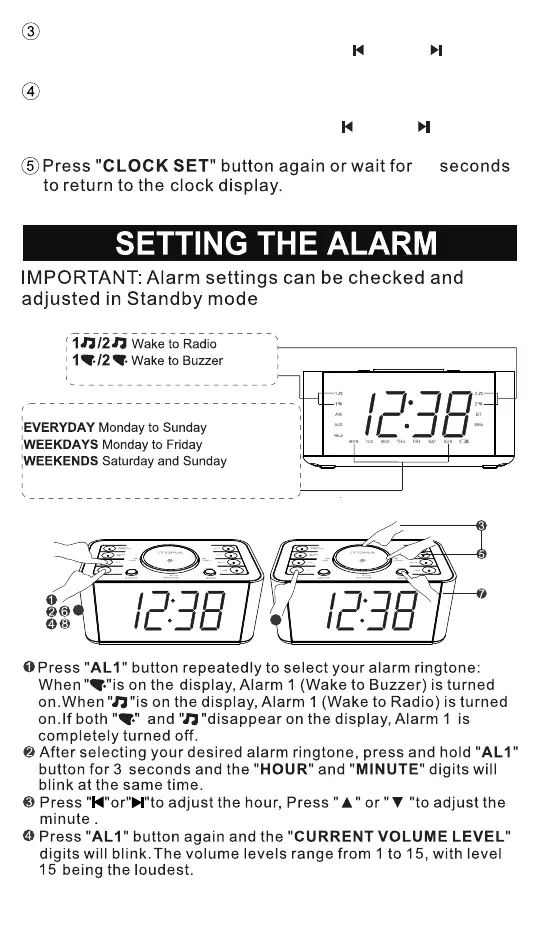
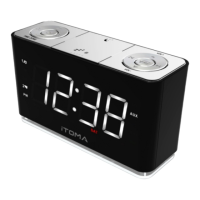
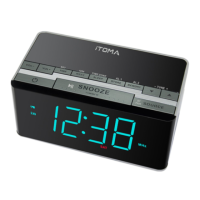
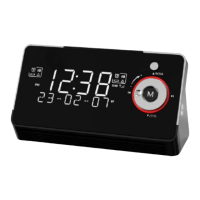
(Two alarm ringtones are available)
Setting Alarms for the Day(s) of the Week
SINGLE DAY monday/Tuesday/Wednesday/
Thursday/Friday/Saturday/Sunday
Press the "CLOCK SET" button again, the "YEAR" number
will flash. Press the "▲" and "▼" or " " and " " keys to
adjust the year
Press the "CLOCK SET" key again. "24H" or "12H" flashes
on the display (24H means 24 hour format, 12H means 12
hour format) Press "▲" and "▼" or "" and "" keys
Adjust the time format.
40
SETTING THE WAKEUP ALARMS
9
9
- 8 -


 To Next Page