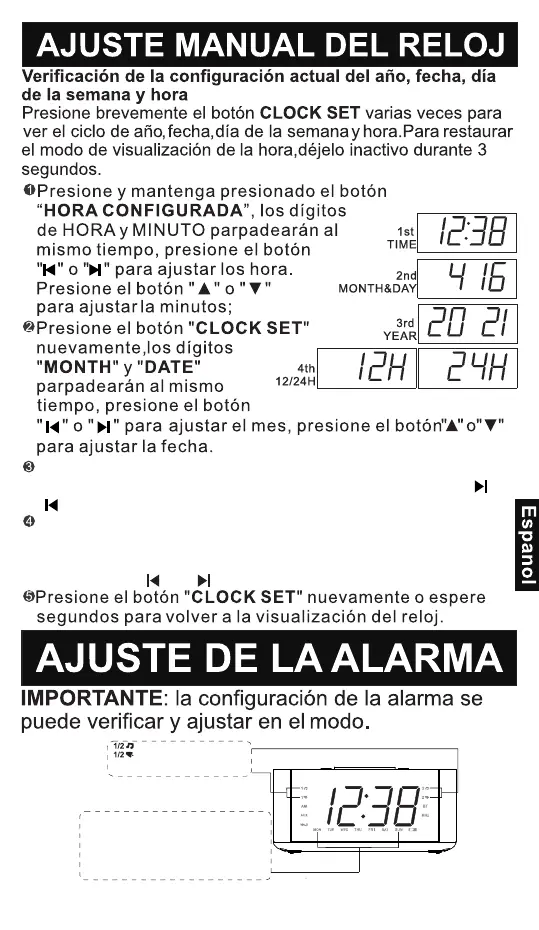
You can also set the DST Time area by long press and hold the "▲"button
until the DST words(OFF/EU/US/En/AU/Co/JP) flashes, then press the "▼"
button again to switch to your local DST.(OFF is for Turn off DST; EU is for
Europe; US is for United States; En is for The United Kingdom; AU is for
Australia; Co is for Mexico; JP is for Japan)
RED
MODO
WEEK/MODE
ENCENDIDO/APAGADO
AC
Presione el botón "CLOCK SET" nuevamente, el número
"AÑO"parpadeará. Presione las teclas "▲" y "▼" o "" y
""paraajustar el año。
Presione la tecla "CLOCK SET" nuevamente. Parpadea
"24H" o "12H"en la pantalla (24H significa formato de 24
horas, 12H significa 12formato de hora) Pulse las teclas
"▲" y "▼" o ""y ""Ajustarel formato de hora.
40
- 65 -
Despertar con la radio
Despertar con la alarma
(Dos tonos de llamada de alarma están
disponibles)
Configuración de alarmas para el día (s)
de la semana
TODOS LOS DÍAS Lunes a Domingo
DÍAS LABORABLES Lunes a Viernes
FINES DE SEMANA Sábado y Domingo
SOLO DÍA lunes / martes / miércoles / jueves /
viernes / sábado / domingo


 To Next Page