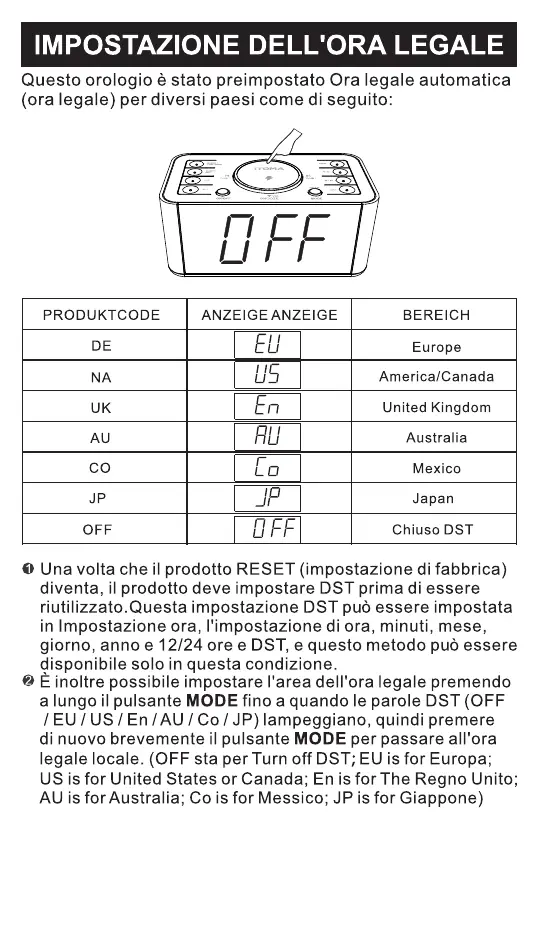
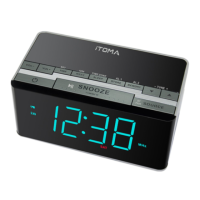
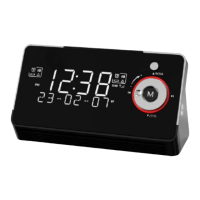
You can also set the DST Time area by long press and hold the "▲"button
until the DST words(OFF/EU/US/En/AU/Co/JP) flashes, then press the "▼"
button again to switch to your local DST.(OFF is for Turn off DST; EU is for
Europe; US is for United States; En is for The United Kingdom; AU is for
Australia; Co is for Mexico; JP is for Japan)
RED
America/Canada
Europe
United Kingdom
Australia
Mexico
PRODUKTCODE ANZEIGE ANZEIGE BEREICH
NA
DE
UK
AU
CO
JP
Japan
MODE
AC
WEEK/MODE
Una volta che il prodotto RESET (impostazione di fabbrica)
diventa, il prodotto deve impostare DST prima di essere
riutilizzato.Questa impostazione DST pu essere impostata
in Impostazione ora, l'impostazione di ora, minuti, mese,
giorno, anno e 12/24 ore e DST, e questo metodo pu essere
disponibile solo in questa condizione.
È inoltre possibile impostare l'area dell'ora legale premendo
a lungo il pulsante MODE fino a quando le parole DST (OFF
/ EU / US / En / AU / Co / JP) lampeggiano, quindi premere
di nuovo brevemente il pulsante MODE per passare all'ora
legale locale. (OFF sta per Turn off DST;EU is for Europa;
US is for United States or Canada; En is for The Regno Unito;
AU is for Australia; Co is for Messico; JP is for Giappone)
- 82 -


 To Next Page