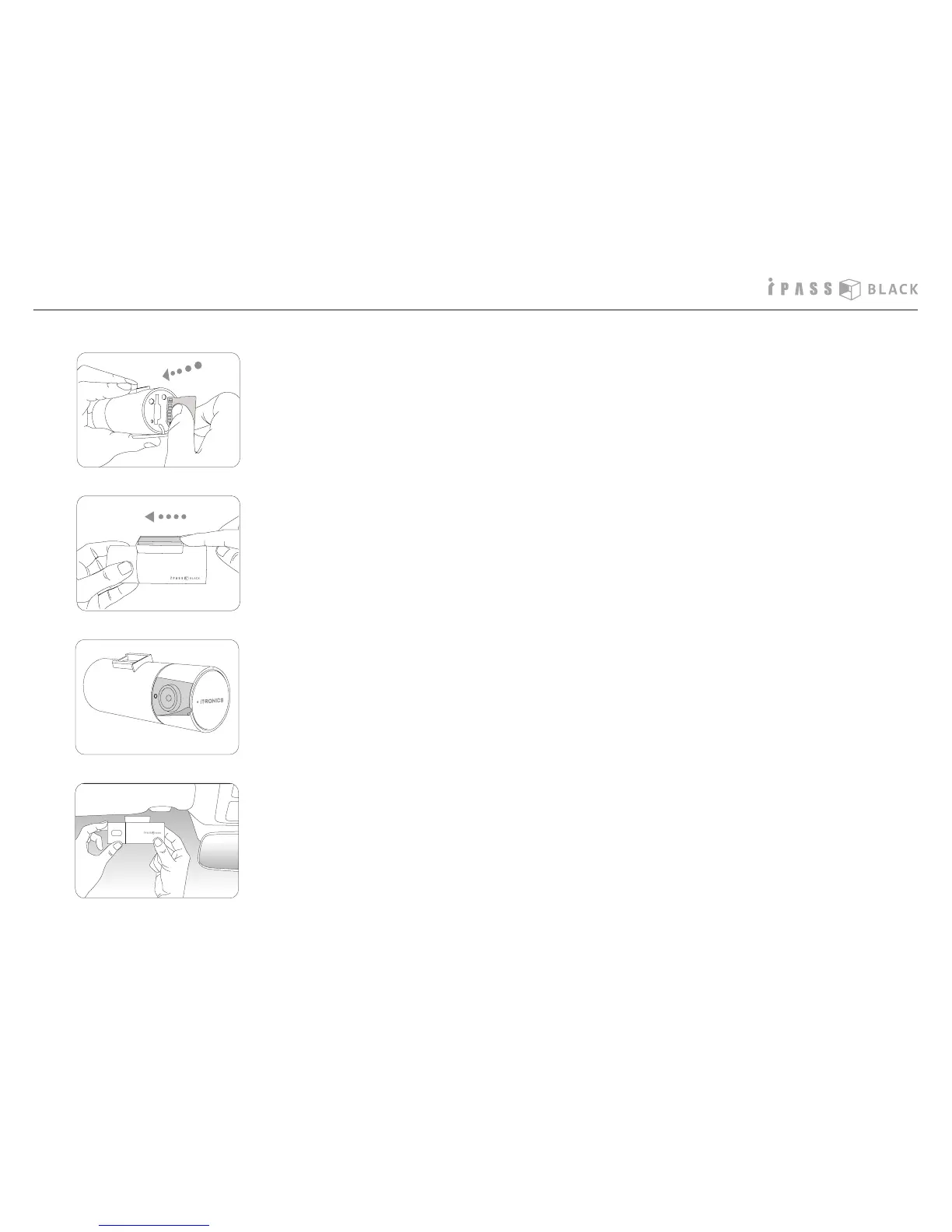
3. Remove the protection lm attached on the camera lens.
2. Put the mounting cradle on the main unit and push forward it as shown on the
left picture. You can hear the click sound if the mounting cradle xed properly.
4. Remove the lm of the adhesive tape on the cradle and take a proper posi-
tion on the windshield temporarily as shown on the left picture. If it is ne for
recording, x the cradle tightly with more pressure.
1. Open the SD memory card protection cover and insert the SD memory card
into the slot. Then close the cover.



 To Next Page