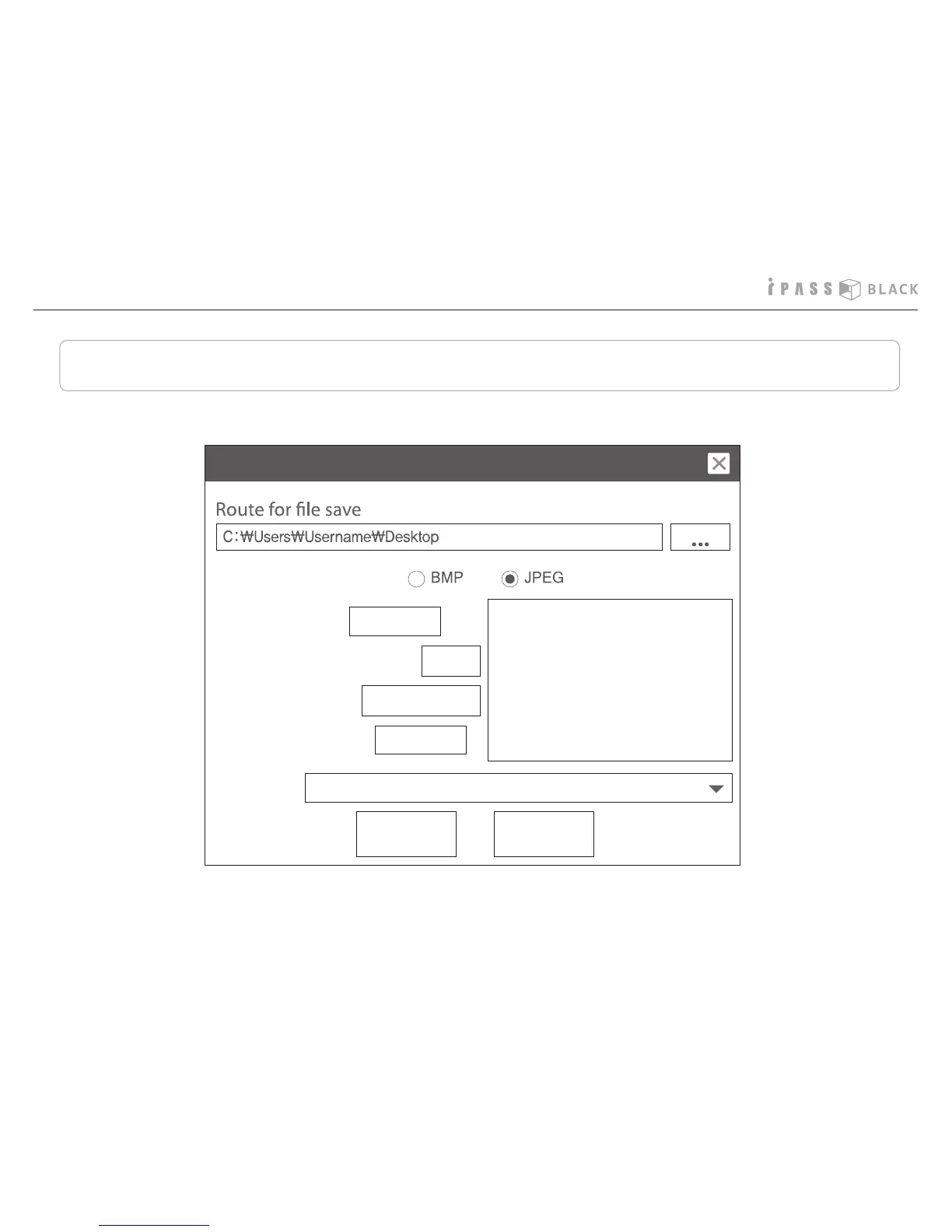
How to change the user settings
You can control the following parameters on the setting menu in the PC player.
24
I
llumination control :
I
mpact sensor sensitivity :
Capture image format
Audio recording :
Recording quality :
Time Zone :
OFF
0.4
High 24fps
Standard
(GMT+01:00) Belgrade, Bratislava, Budapest, Ljublja...
User Settings
OK Cancel
You can change the default
setting values in the menu.
Press the value Window and
select the value you want to
set.



 To Next Page