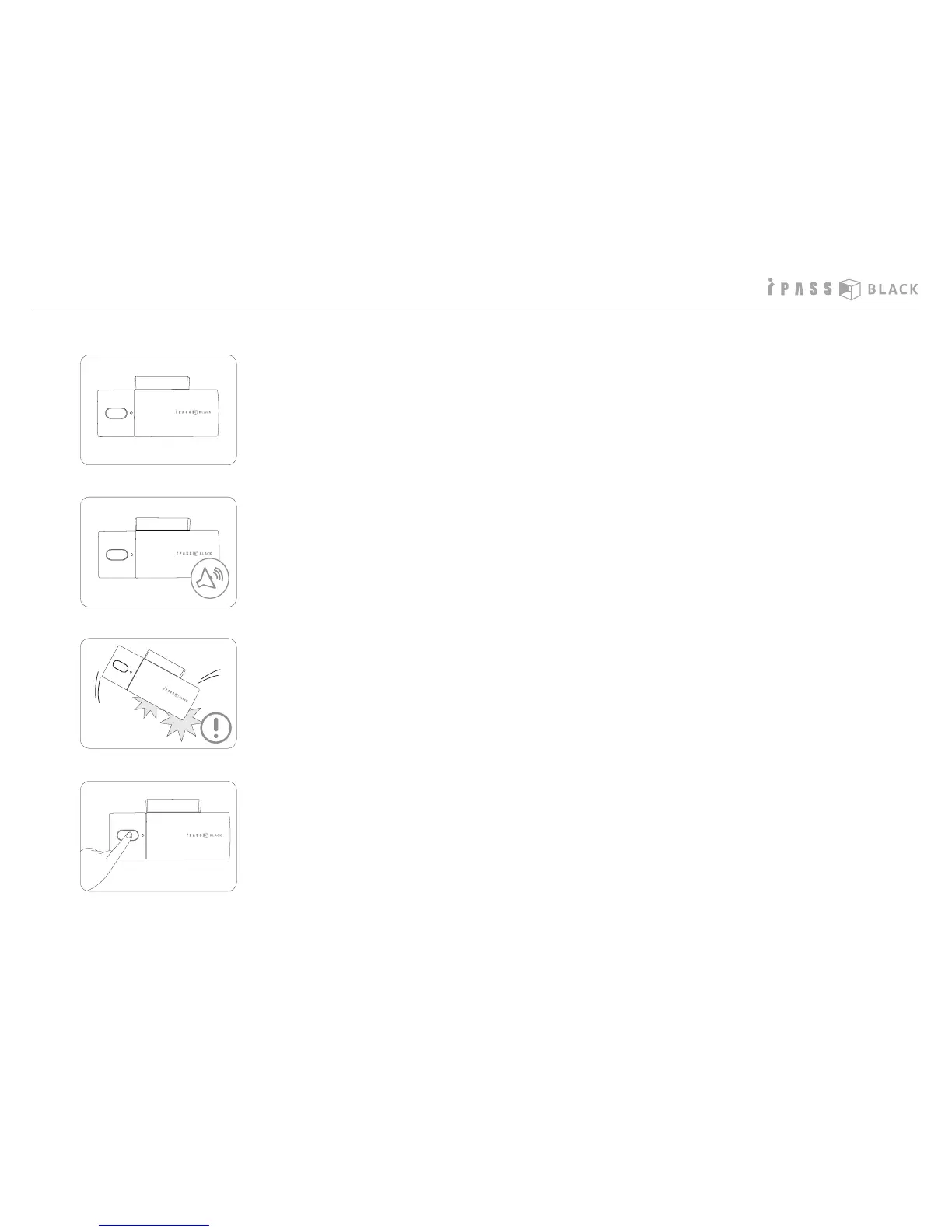
1. Turn on the power of a vehicle, the POWER LED turns on. The POWER LED also
indicates the status of the GPS connection for ITB-70G and it will blink with
2 seconds interval and stop to blink once the GPS is successfully connected.
2. 3 scales beep sound will be heard after 10 seconds since the POWER LED turns
on, and the product starts recording. The video and audio data are continuously
recorded and stored into SD memory card.
3. When impact of collision, lightning acceleration or sudden brake is detected
by the built-in impact sensor, the recorded data is marked as event le and
stored in SD memory card.
4. If a driver needs to record any specic view and press the event button, the
recorded data is also marked as event le and stored in SD memory card.
Operation of the product



 To Next Page