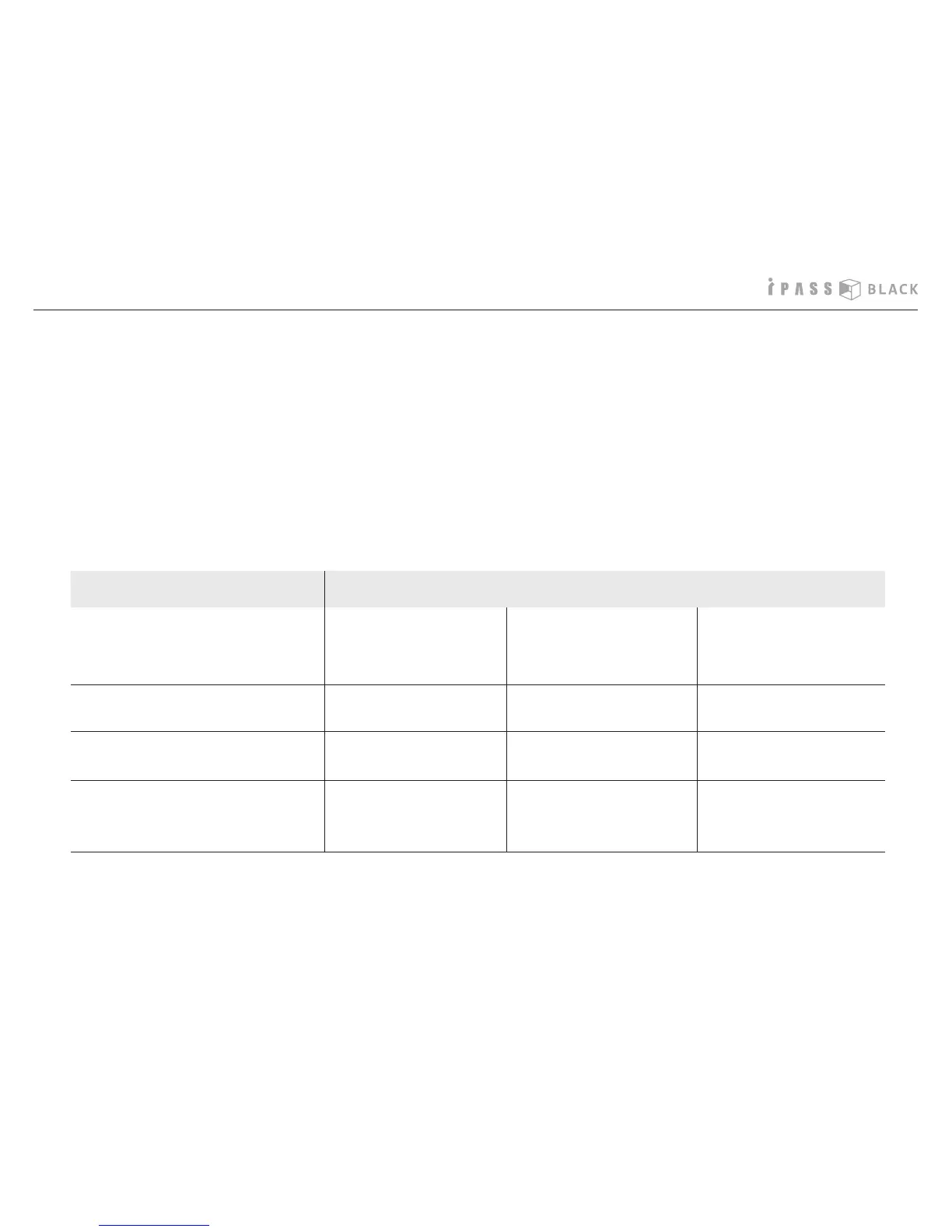
1 minute
11MB
6 hours
2 minutes
14MB
9 hours
1 minute
11MB
6 hours
Item Option
Recording quality
(frame per second)
High
(24 fps)
Standard
(30 fps)
Standard
(15 fps)
Length of a le
Size of a le
Recording time
(e.g.: 4G)
25
How to change the user settings
- Route for le save : Select or change the PC folder where you want to save the le.
- Capture image format : BMP or JPEG
- Audio recording : ON or OFF
- Impact sensor sensitivity : (sensitive) 0.4>0.6>0.8>1.0 (dull) OFF (auto event detection turns o)
- Illumination control : Standard or Bright (‘Bright’ is recommendable to record the better image in the night.)
- Recording quality : You can change the recording quality changing the fps(frame per second).
- Time zone : Please refer to next page for more details.



 To Next Page