How to manage the recorded les
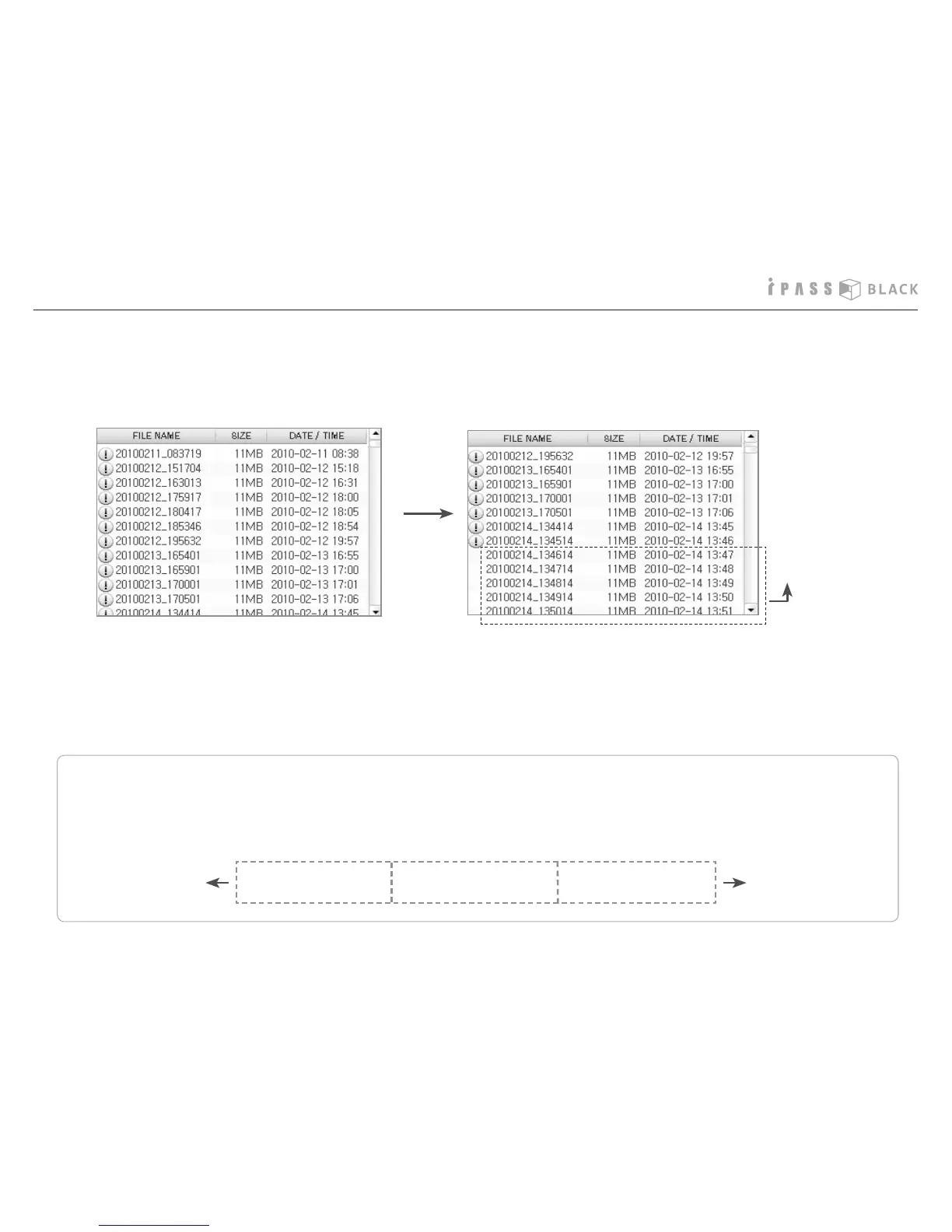
3. In case that all ordinary recording les are deleted and only the event recording les are left, the event recording les are also
deleted from the oldest after remaining 30 minutes of memory capacity for newer video recording. Thereafter, by repeating the
deletion of older les and the recording of newer les, it records the newest 30 minutes of video.
The le is event markedWithin First 5 seconds
The previous recorded
les is event-marked
together.
The post recorded
les is event-marked
together.
Within last 5 seconds
Newest 30 minutes of
video recording
4. If you do not manage the old event recording les for a long time and thereafter the recording mode is changed to accept
only 30 minutes of recording for the newest video/audio, you are unable to store the les which are over 30 minutes and it
may cause you an inconvenience. Please delete periodically the old les and the event les which are not necessary to keep
for a long term.
In case the event is happened within 5 seconds since the recording starts, the previous recorded le is event marked
together in order to show the before-event situation. Also, in case the event is happened in 5 seconds prior to the recording
ends, the post recorded le is event-marked in order to show the after-event situation.
29



 To Next Page