How to update the product rmware
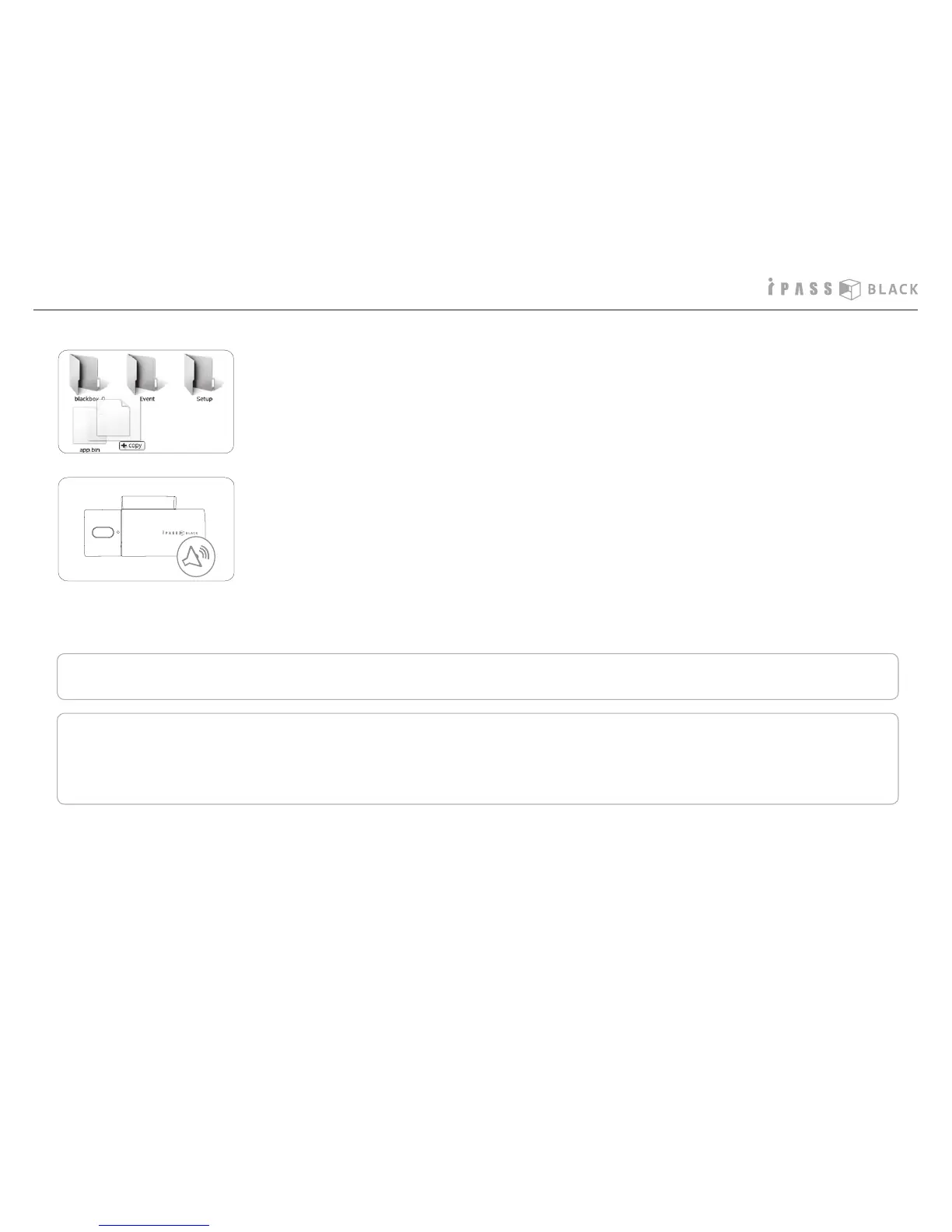
5. Please copy the “app.bin” le into the root directory of SD memory card.
- Please insert the SD memory card into the PC and run the PC player.
- Push the right button on the PC mouse and click the version of rmware.
6. Pull out the SD memory card from the PC and insert it into the product. Turn
on the power and then rmware update will start automatically with the starting
beep sound. It will take 10~15 seconds to complete the rmware update and
the REC button will blink while update is in progress. If the update is completed,
the product will boot again and start to record with 3 scale beep sounds.
• Please do not remove the SD memory card in the middle of rmware update. It may cause damage to the product.
• You can nd the rmware version of the product as follows.
31



 To Next Page