39
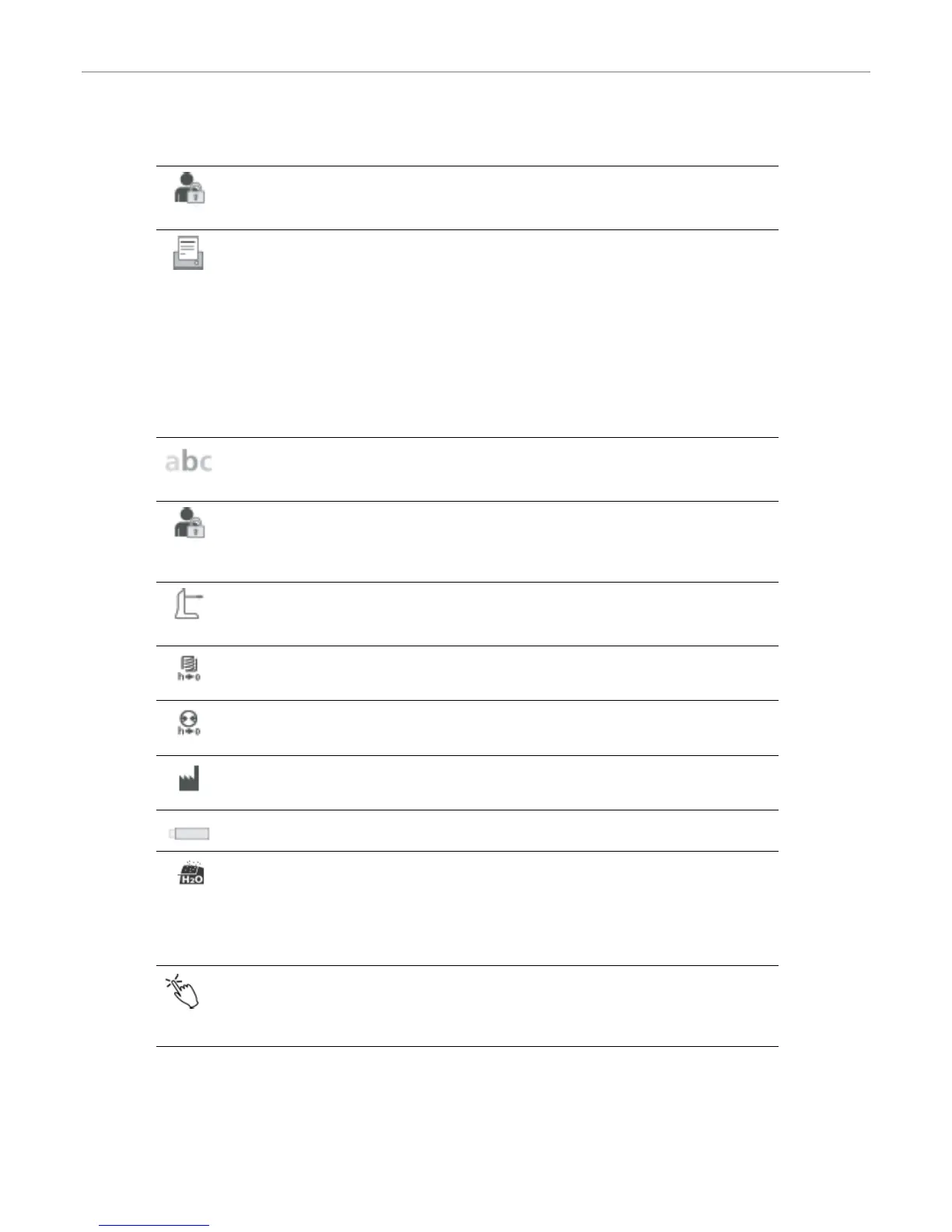
Operating mode
Set the desired operating mode. See Chapter 5.3.8 Operating mode for details
Setting options: Standard / Protected / Production
Protocolling
If this function is activated, the program data are saved in a protocol entry after every firing procedure.
The following protocol settings are available:
Inactive: Protocolling is not active.
Printer: At the end of the program, the parameters used are logged and saved in the furnace. Additionally,
the protocols are printed on a connected USB printer.
PC: At the end of the program, the parameters used are logged and saved in the furnace. If the furnace
is connected to the PrograBase software, the saved table entries are synchronized with the connected
laptop/PC. Protocols can be edited, saved and printed by means of the PrograBase software.
Setting options: Inactive / Printer / PC
Laboratory name
The laboratory name can be entered here. It is automatically added to the protocols.
Setting options: Laboratory name entry
Furnace number
Here, you can enter a furnace number. The number will be prominently shown in the display when the
operating mode (Production) is activated.
Setting options: 1 to 99
Calibration interval
Set the notification as to when the next calibration should be conducted.
Setting options: 1 / 3 / 6 / 12 months
Resetting heating muffle firing hours to zero
If this function is executed, the heating muffle firing hours are set to “zero”. This function can only be
executed by entering the user code.
Resetting the vacuum pump hours to zero
If this function is executed, the vacuum pump hours are set to “zero”. This function can only be executed by
entering the user code.
Resetting to factory settings
If this function is executed, all programs and settings are reset to the status before the initial start-up. This
function can only be executed by entering the user code.
Preparing USB stick programs
If this function is executed, a USB stick is prepared as program memory.
In-process dehumidification
Once the final vacuum is reached, a valve in the furnace head is automatically closed. The vacuum in the
furnace head is maintained and the vacuum pump suctions off any possible humidity in the vacuum hose
for 20 seconds. This also prevents any possible corrosion of the valves. This function can only be activated
with firing programs.
Setting option: On / Off
Touch mode
Setting the sensitivity of the touch screen. Select “Special” in case of malfunctions when operating the
touch screen.
Setting option: Normal / Special
5. Operation and Configuration


 To Next Page