Installing Hard Drives
The FreeNAS
®
Mini and Mini XL support hard drives up to 10 TiB.
When ordered without hard drives, drive trays are shipped with filler inserts to protect them. If not all bays will be
filled with drives, keep the fillers in the empty trays to protect them.
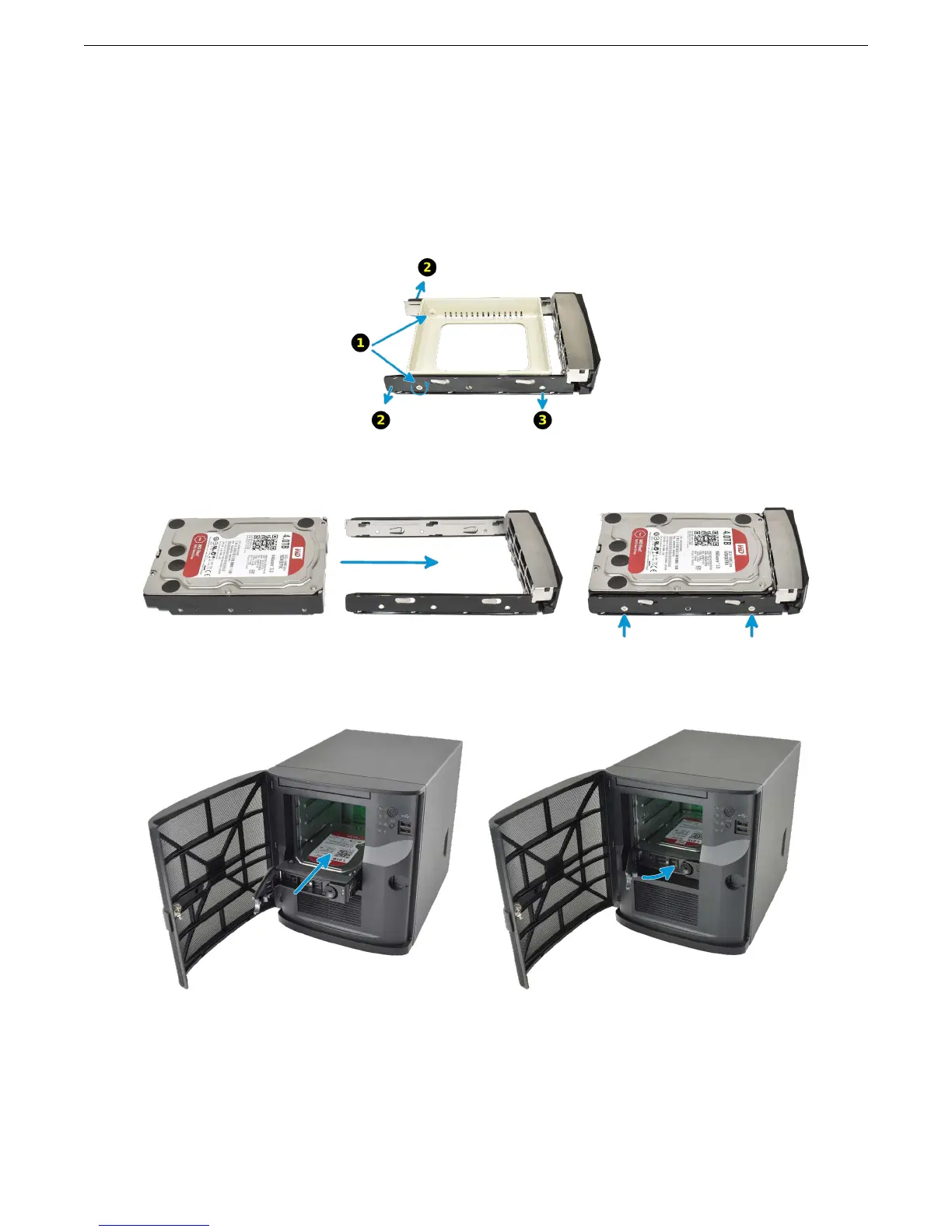
To mount a hard drive in a tray, remove the two rear screws holding the filler (1). Gently spread both sides of the
tray away from the filler (2) until the pins release (3), then remove the filler.
Mount the hard drive in the tray with four screws.
Starting with the bottom bay, gently insert a tray into a drive bay until it stops. Swing the latch closed until it locks.
Repeat for all hard drives to be mounted. Load trays with fillers into any remaining empty bays.
4



 To Next Page