Logging in to FreeNAS
®
FreeNAS
®
uses the Multicast DNS service, also known as Bonjour or mDNS, to make the system accessible on most
networks without additional setup.
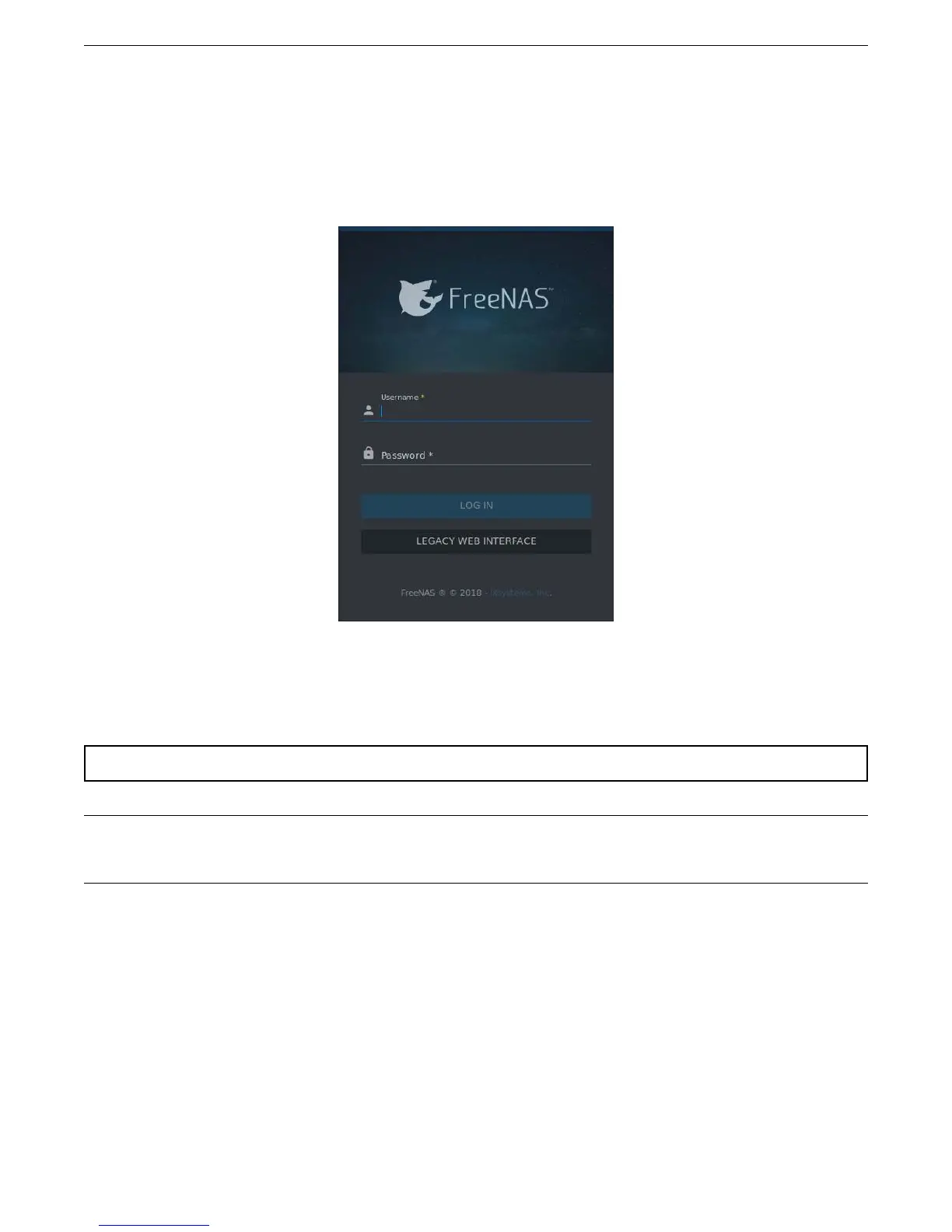
Run a web browser on another computer on the same network. Open the FreeNAS
®
web interface by typing
freenas.localor the IP address of the Mini into the browser address bar and pressing Enter.
Log in with:
Username: root
Password: abcd1234
Warning: Change the root password in Account → Users after logging in to increase system security.
Tip: When more than one FreeNAS
®
device is connected to the network, mDNS can experience name conflicts. Give
each FreeNAS
®
device a unique hostname like freenas1.local and freenas2.local to avoid this problem. The hostname
is changed in Network → Global Configuration → Hostname in the FreeNAS
®
web interface.
Additional Resources
Complete FreeNAS
®
documentation is available on https://ixsystems.com/documentation/FreeNAS.
Additional guides, datasheets, and knowledgebase articles are available in the
iX Information Library
(https://www.ixsystems.com/blog/knowledgebase_category/freenas/).
The FreeNAS
®
forums (https://forums.freenas.org/index.php) provide an opportunity to interact with other
FreeNAS
®
users and to discuss their configurations.
6



 To Previous Page