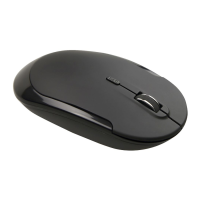
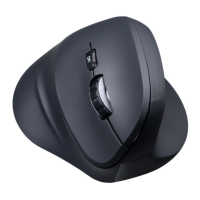
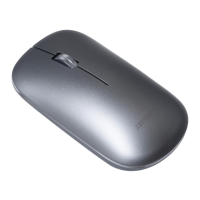
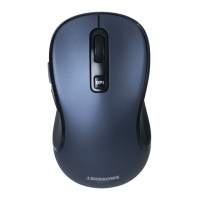
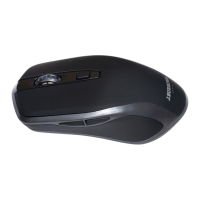
High precision wireless mouse.
3.Turn the mouse on. Press and hold the Left, Right and Middle buttons
at the same time until the blue light flashes quickly. The mouse is
now in pairing mode.
4. Pair with your Bluetooth device.
. Your device will display "JBBM695S
", select pair, your device will connect to the mouse.
Model JBBM695S
Dimensions 94x63x35mm
Resolution 800/1200/1600DPI switching
1.5V
AA
2/3
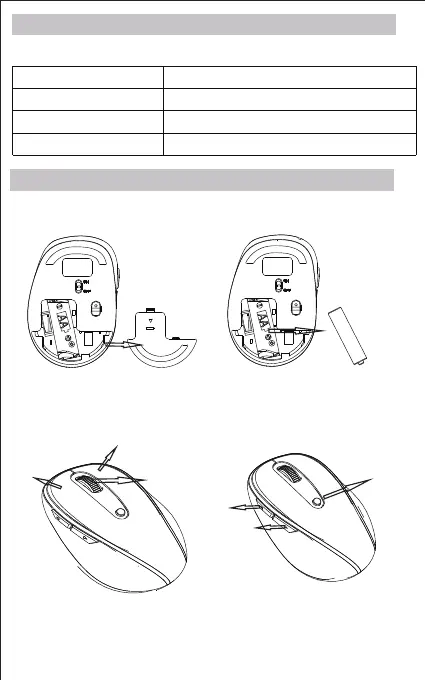
1.Open the battery cover and insert 1 x AA battery.
2.Turn Bluetooth settings to “ON” on your PC/Mac
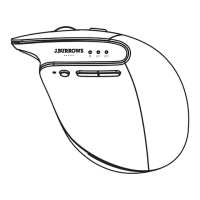
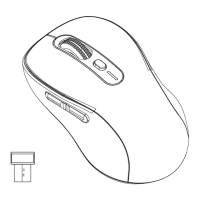
Forward
Backward
DPI Switch
Left
Right
Middle
Note: When the mouse enters to sleep state, you can press any key
to active it.
Product Specifications
Installation Guide
Bluetooth Version
5.0



 To Next Page