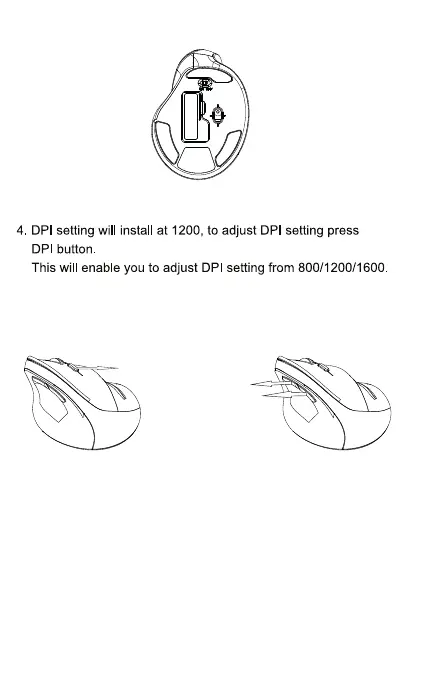
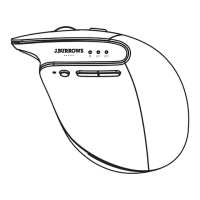
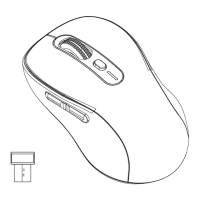
3 .Turn the power on, your device will connect to the mouse.
3/4
Forward
Backward
DPI Switch
Forward and Backward buttons only work in Windows
system, no function in Mac OS.
5.
If no keys are pressed on the mouse within a period of 8
minutes, the mouse will automatically go into sleep mode.
To “wake up” the mouse from sleep mode, press any key.
Moving the mouse will not wake up the mouse.


 To Next Page