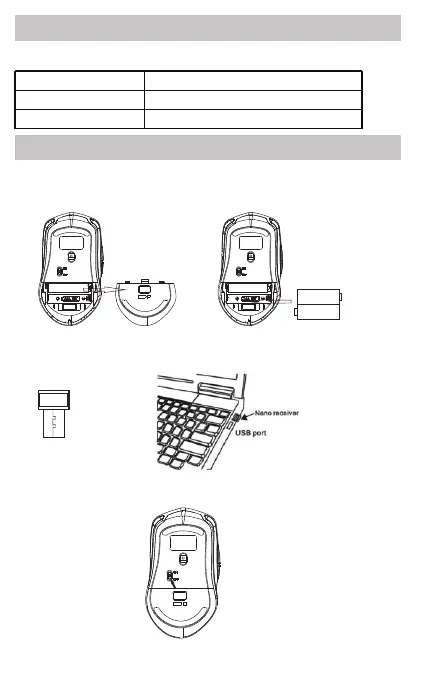
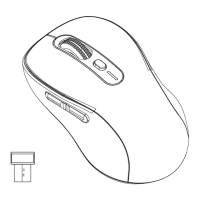
1. Retrieve batteries from battery compartment. Remove the
protective film from the batteries and reinstall.
2. Find the receiver and connect receiver to your computer.
Model
Dimensions
Resolution
121x70x39 mm
800/1200/1600 DPI switching
MS100
1.5V AAA
1.5V AAA
Product Specifications
Installation Guide
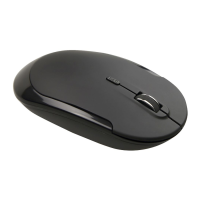
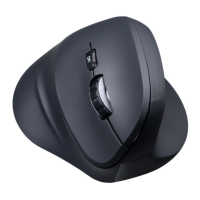
High precision optical mouse.
2/4
3. Turn the power on,your device will connect to the mouse.


 To Next Page