5. Easy Switch between Two Devices
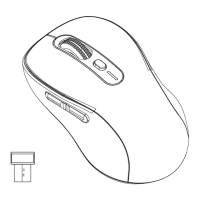
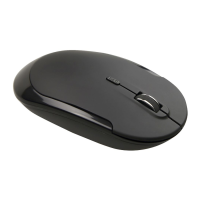
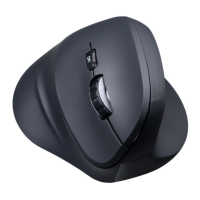
This mouse can connect up to two devices either via
Bluetooth or via the included pre-paired USB receiver.
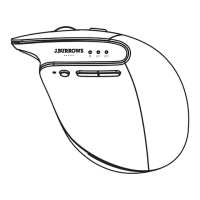
Press the device switch/Bluetooth connection button to switch
the mouse into USB receiver mode (indicator in red light)
or Bluetooth mode (indicator in green light flashes 5 times).
4/6
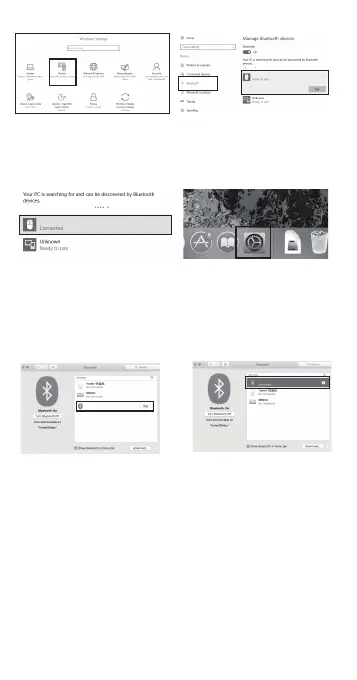
6).When the Bluetooth “MS250” is
connected, the mouse can be used
normally.
4).Click the “Add or remove Bluetooth
devices” button.
5).Select “MS250”, and click Pair button.
9).If installed completely,the mouse can
be used normally.
7).Mac OS System
Please follow the Bluetooth installation
steps (1~2) before pairing.
Go to "System preferences" and then select
the "Bluetooth" option.
8).Select "MS250" and press Pair.
MS250
MS250
MS250
MS250


 To Next Page