Programmable Control Panel
19
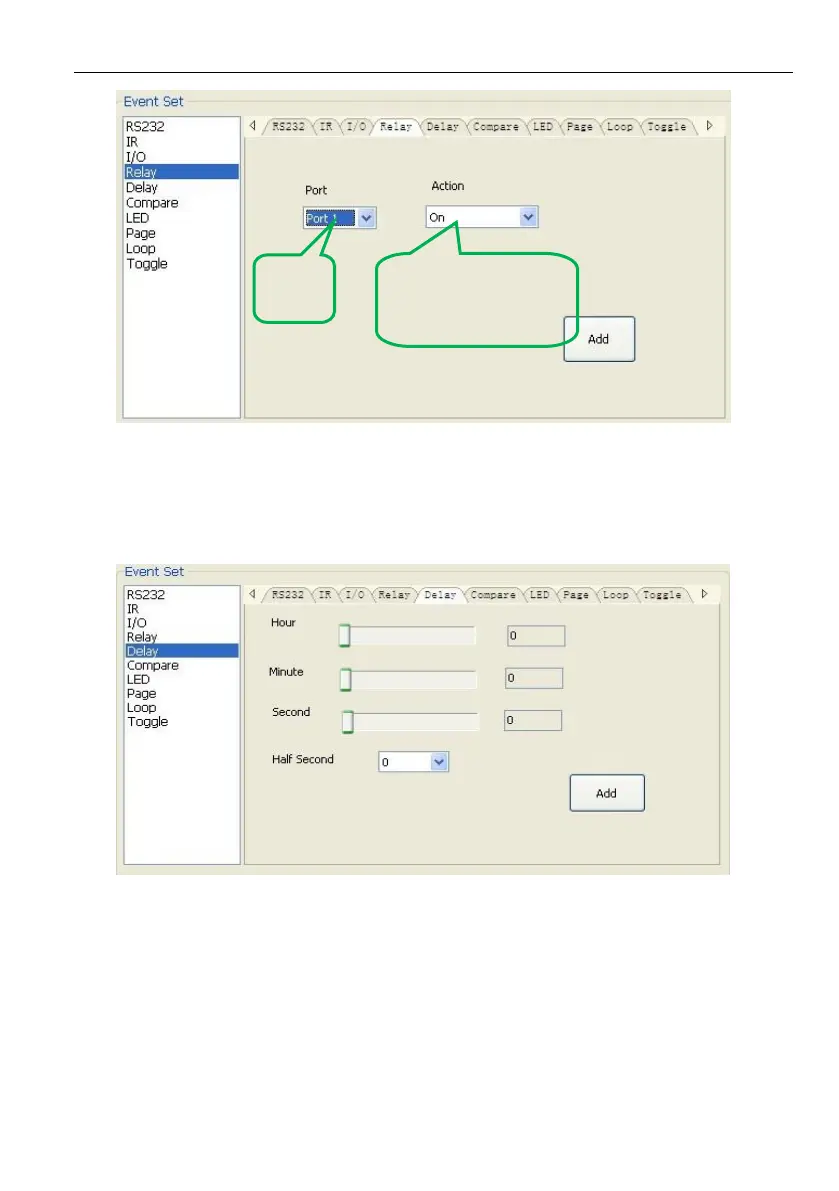
➢ Delay setting
This item is to set a delay time, user can add a delay between two events; so when
one event is finished, it will delay a certain time then start another event. The delay
setting is as picture below:
➢ Compare Setting
This item is used for compare the feedback of RS232 commands. When the
programmable control panel send a RS232 command to the controlled device, the
device will send back a feedback. If we add the correct feedback in the data, the
programmable control panel will compare it with the feedback received from controlled
device, to verify the command is work or not. The compare setting is as the picture
below:



 To Next Page