Programmable Control Panel
12
4) Help: Show the information of JTD-Control.
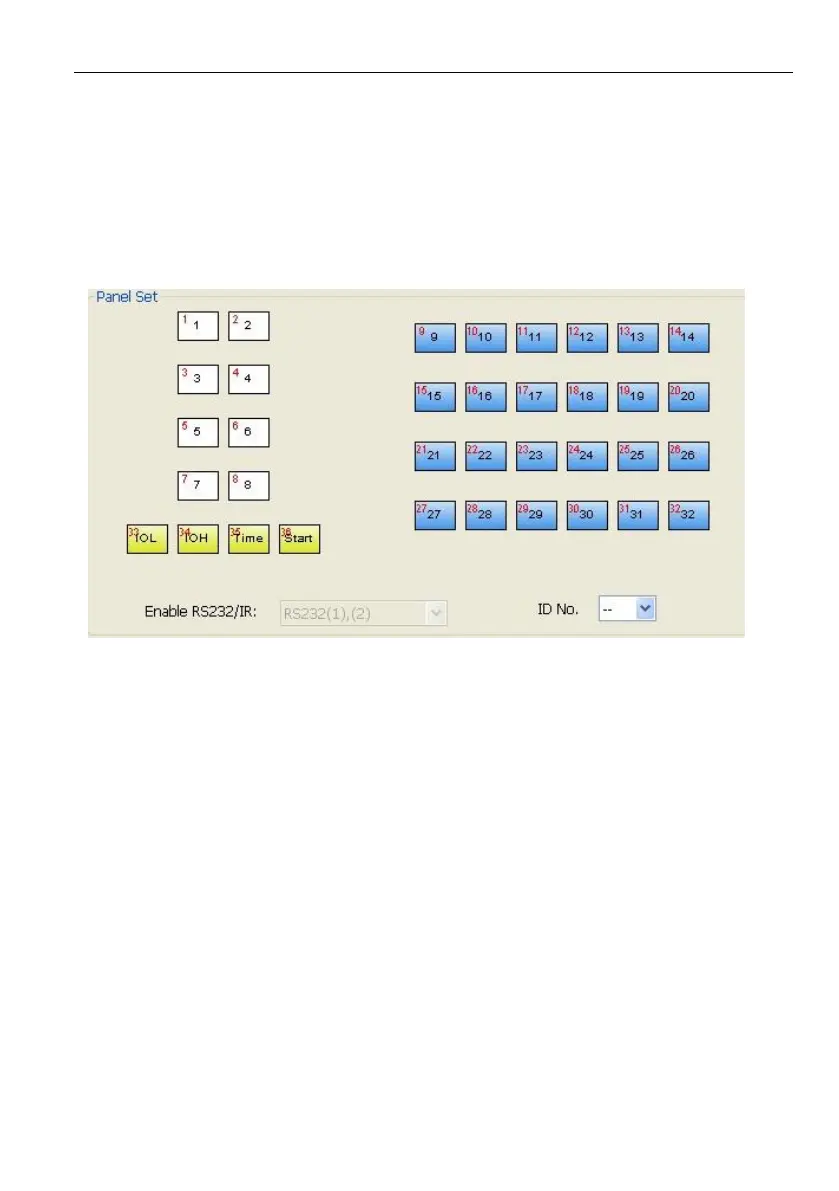
4.2.2 Panel/Key setting
There are three different colors of keys in the panel set of JTD-Control. Add a key
action to action list, then add events to this action, make this action will execute the
events. Here take programmable control panels-V for example, to introduce the uses
of different buttons:



 To Next Page