Programmable Control Panel
23
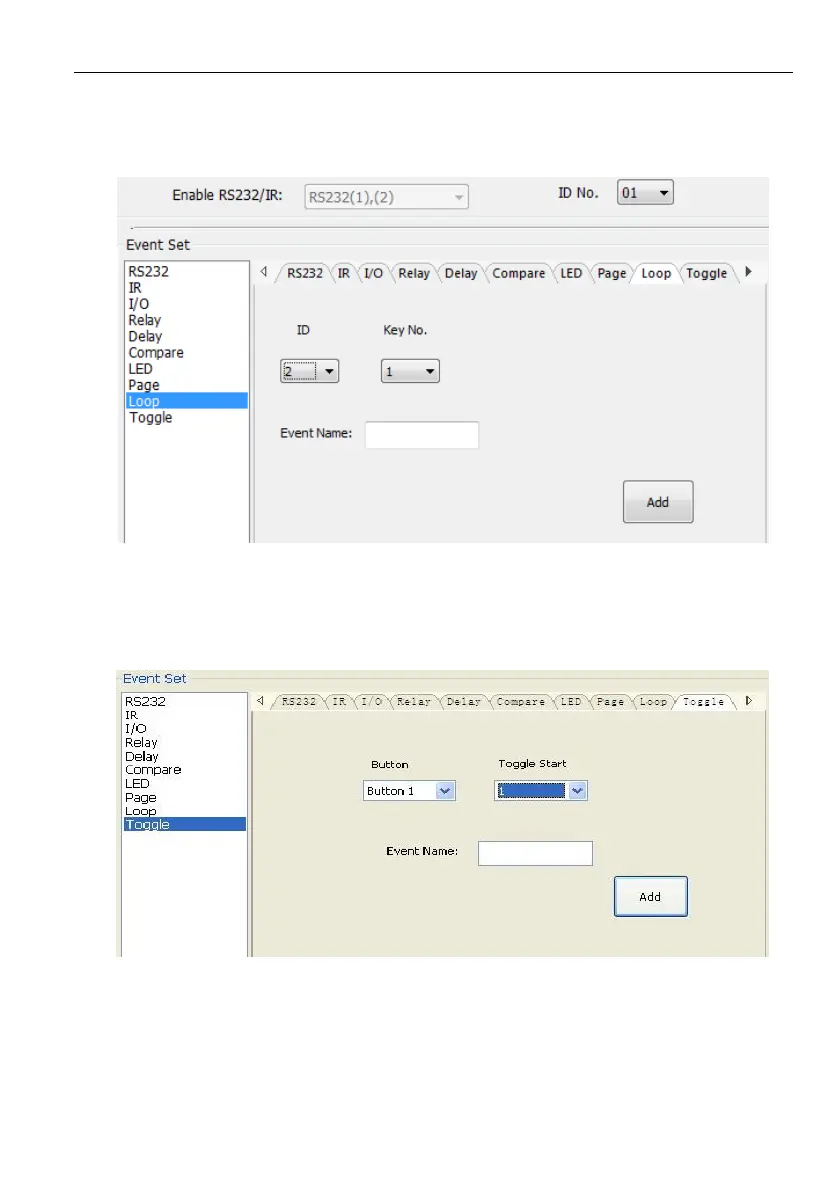
➢ Loop Setting
This item is used for looping the programmable control panel. When use the loop
function, the ID of each programmable control panel must be set.
➢ Toggle Setting
The toggle setting is as the picture below:
The setting steps of toggle are similar with the page setting. But toggle performs
differently, for the actions in it are loop running, it will perform as below (take the
same example like page function):
a) When press the button5 and then button1, the button1 will execute the event of
num1, press button1 more times it will execute num2, then



 To Next Page