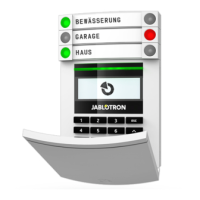
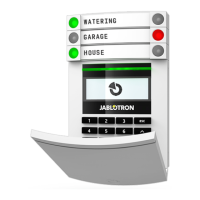
Fig. 1: Opening of the device and wall mounting
1 – locking screw; 2–LED light guide;
1. Pull apart the lid at the bottom of the siren.
2. Screw the back plastic cover onto the chosen spot on the wall.
3. In the F-link program or mobile application select the desired position in the
Peripherals tab and press Assign to activate the peripherals learning mode.
4. Insert 3 AA batteries into the holder (5). The siren appears in the selected position.
5. Complete the assembly of the siren.
6. Close the siren cover. To properly fulfill the appropriate security level, it is necessary to
secure the front part with the arrest screw, which is included in the package.
7. Continue following the central unit’s installation manual.
Fig. 2: Description of the internal parts of the product
3–upper latches; 4–screws; 5–battery holder; 6–tamper; 7–bottom latches;
Operation and indication settings
The product settings may be adjusted in the F-Link software in the Devices section or in the
mobile application.
The product offers two types of indications – acoustic and optical. The optical indication is
manifested by illuminating the LED diode under the transparent part of the front cover either
yellow or red. The yellow color indicates loss of communication or the system is in service
mode or product is not assigned to the system, red indicates the alarm.



 To Next Page