15
ENGLISH
JABRA EVOLVE 65
6.1 EVERYDAY USE
FUNCTION ACTION
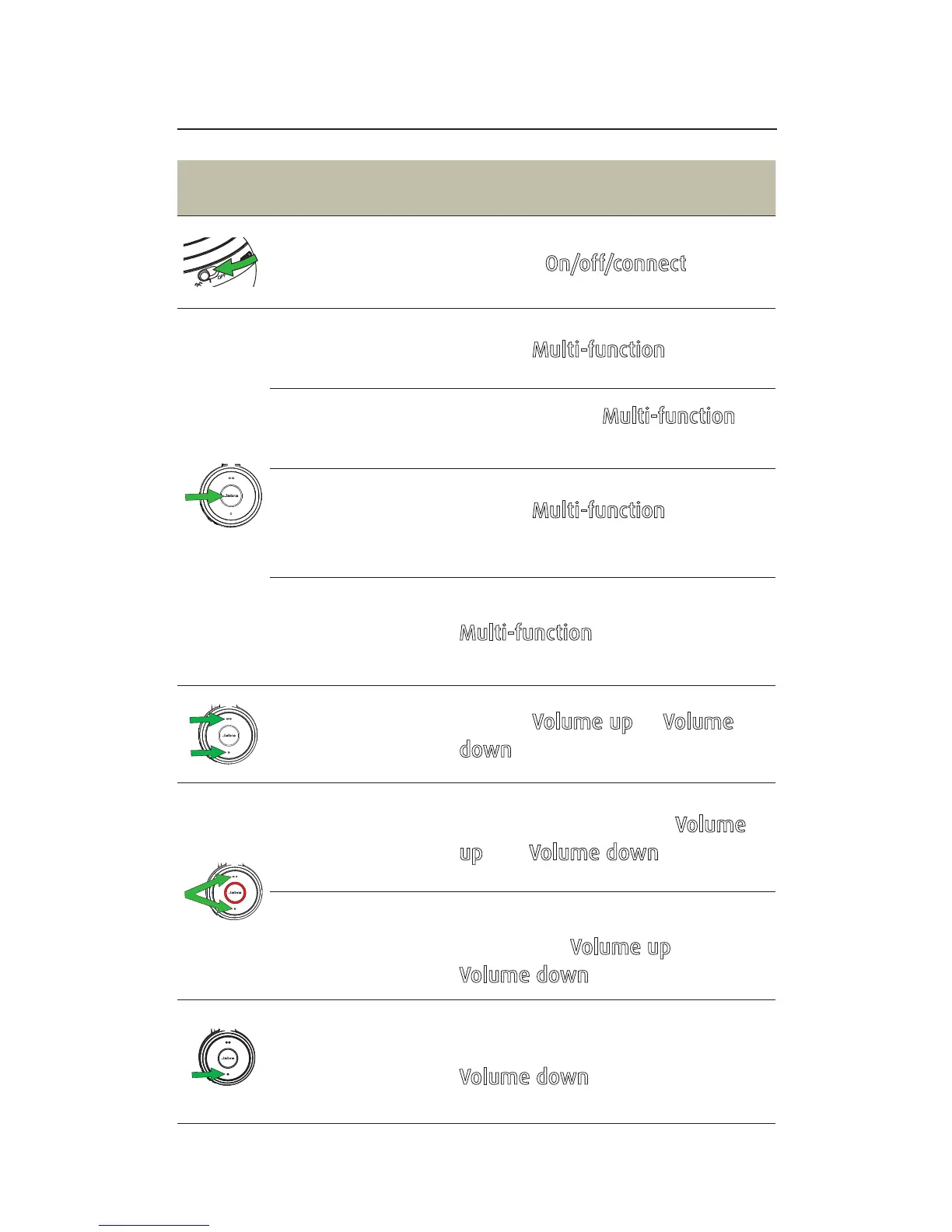
Headset on/off Slide the On/off/connect switch
Answer/end
call
Tap the Multi-function button
Reject call
Double-tap the Multi-function
button
Battery and
connection
status
Tap the Multi-function button
when not on a call
Enable/disable
Voice prompts
Press and hold the
Multi-function button while
turning on the headset
Adjust volume
Tap the Volume up or Volume
down button
Manual
busylight
on/off
Simultaneously tap the Volume
up and Volume down buttons
Enable/disable
Busylight
function
Simultaneously press and hold
(3 secs) the Volume up and
Volume down buttons
Mute/unmute
microphone
Press and hold (2 secs) the
Volume down button














 To Next Page