14
ENGLISH
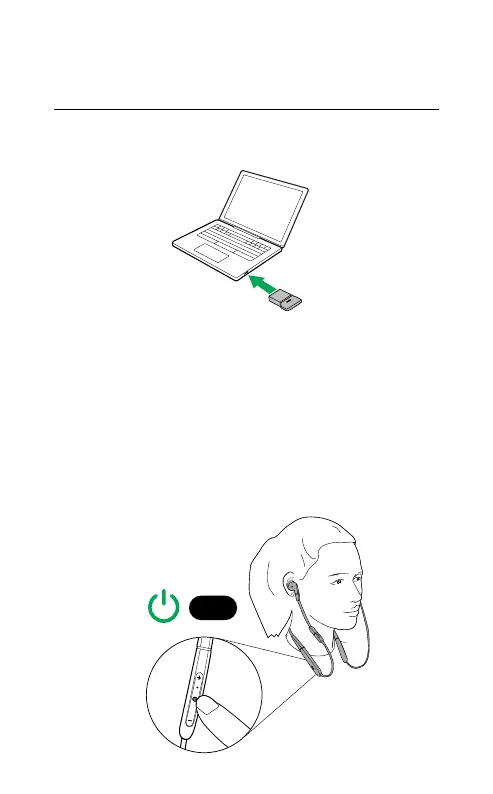
6.2 Connecting to a computer
(Bluetooth adapter)
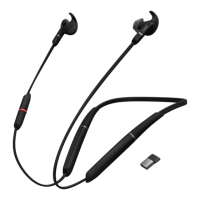
1. Insert the Bluetooth adapter (Jabra Link 370)
into your computer.
jabra
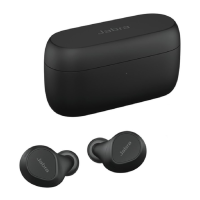
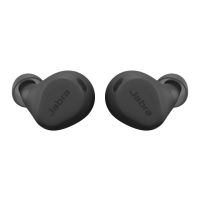
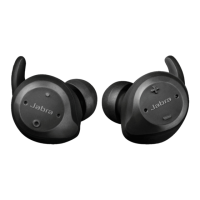
2. Hold (1 sec) the Multi-function button on
the earbuds to power them on. The earbuds
and the Bluetooth adapter are pre-paired
and will automatically connect. You may
need to select the Jabra Link 370 (the
Bluetooth adapter) as the audio device in
your operating system’s audio settings.
1 sec






 To Next Page