25
ENGLISH
7.9 Firmware update
Firmware updates improve performance, or
add new functionality to Jabra devices.
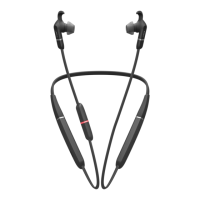
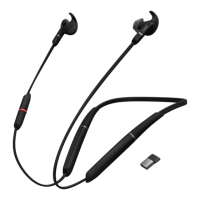
1. Connect the Jabra Evolve 65e to a computer
using the USB cable or Jabra Link 370, or to a
smartphone using Bluetooth.
2. Install Jabra Direct on your computer, or the
Jabra Sound+ app on your smartphone.
3. Use Jabra Direct or Jabra Sound+ to check
for the latest firmware updates.








 To Next Page