14
ENGLISH
5. How to connect
5.1 Connecting to a computer
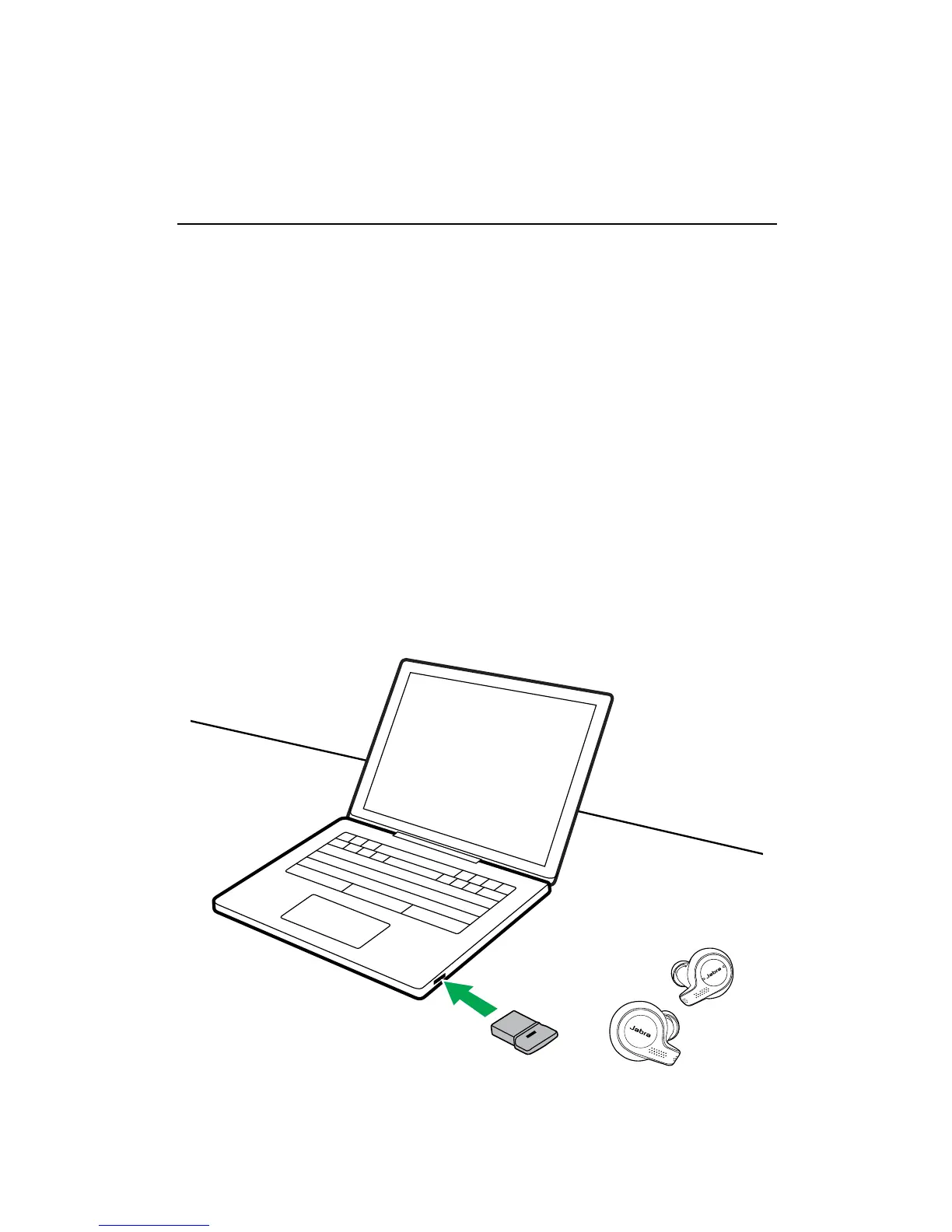
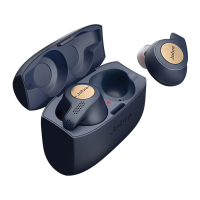
1. Ensure the earbuds are powered on.
2. Plug the Bluetooth adapter (Jabra Link 370)
into a USB port on your computer. The
computer will set up the earbuds and notify
you when the connection is ready.
3. You may need to set the Jabra Link 370 as
the default audio device on your computer.
The Jabra Evolve 65t and the Bluetooth
adapter(Jabra Link 370) are pre-paired.
It is recommended to download and install
Jabra Direct 2.0 (build version 4.0 or later).






 To Next Page