17
ENGLISH
6.2 Mono earbud use
The right earbud can be used alone for mono
playback, or for calls. For volume, and/or skip
track controls, use your connected smartphone.
When both earbuds are turned on and within
20 centimeters (8 inches) of one another, they
will automatically relink.
6.3 Calls & music
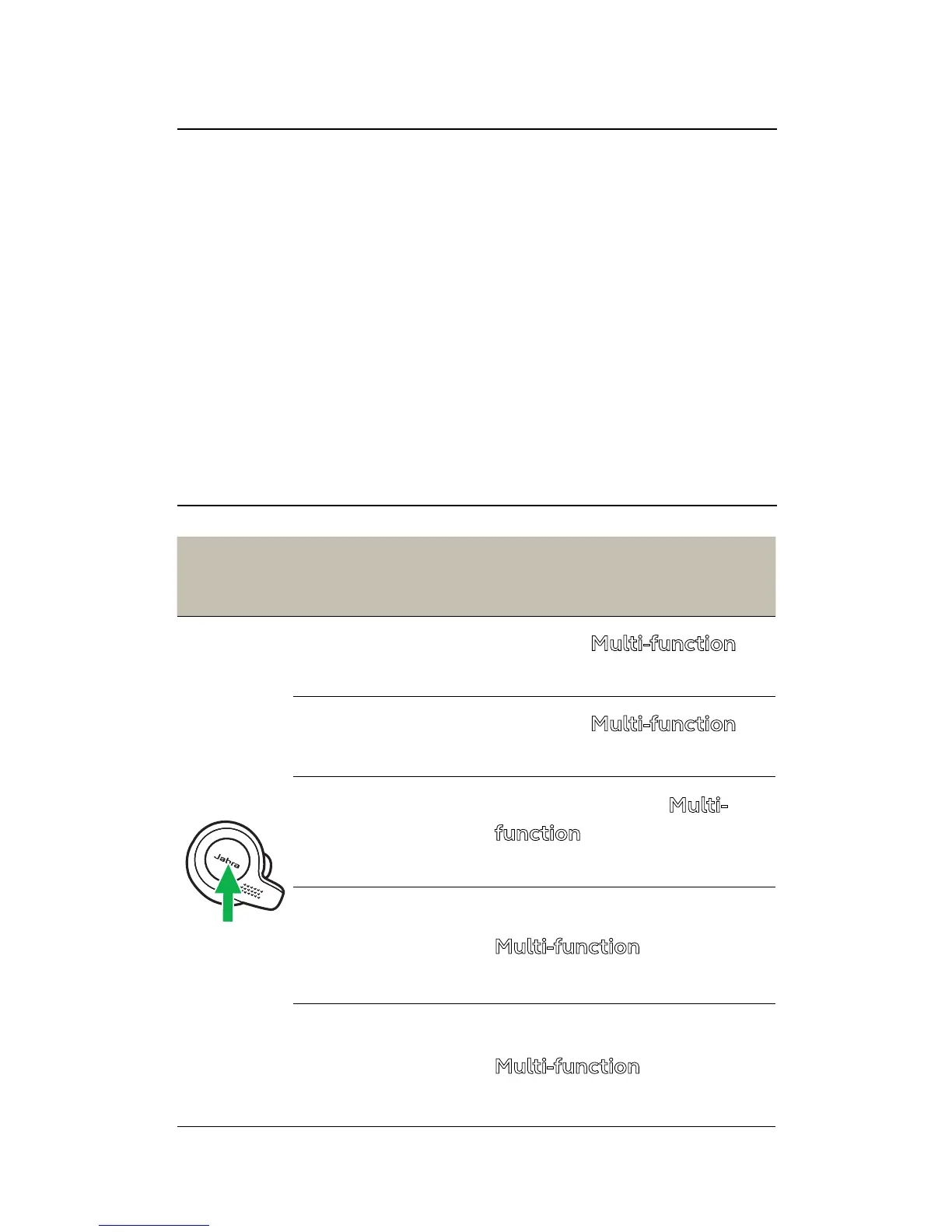
Right
earbud
Calls & music
Play/pause
music
Press the Multi-function
button
Answer/end
call
Press the
Multi-function
button
Reject call
Double-press the Multi-
function button when
there is an incoming call
Voice assistant
(Siri
TM
, Google
Now, etc)
Hold (1 sec) the
Multi-function button
when not on a call
HearThrough
on/o
Double-press the
Multi-function button
when not on a call





 To Next Page