29
ENGLISH
9.4 Using a replacement earbud
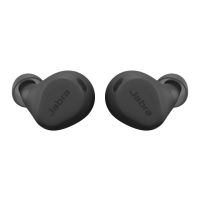
Before using a replacement earbud it will need
to be synced with your current earbud and the
charging case.
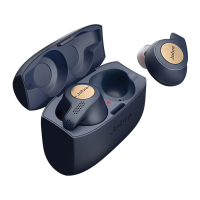
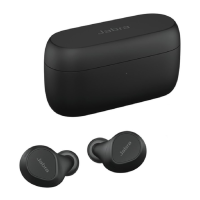
To sync, place the replacement earbud into the
charging case along with your current earbud,
and close the lid. The LED on the charging case
may flash purple to indicate that the firmware
is being updated. Please wait until the LED
stops flashing purple before opening the
charging case.
If the replacement earbud was the right
earbud, you will also need to re-pair it to your
Bluetooth adapter (Jabra Link 370), or to your
smartphone, and then update the firmware
using the Jabra Sound+ app. To re-pair to the
Bluetooth adapter (Jabra Link 370), refer to
section 9.6. To re-pair to your smartphone,
refer to section 5.2.





 To Next Page