15
ENGLISH
5.3 Connecting to a computer
(USB cable)
1. Ensure the earbuds are powered on.
2. Plug the earbuds into a USB port on your
computer using the supplied USB cable.
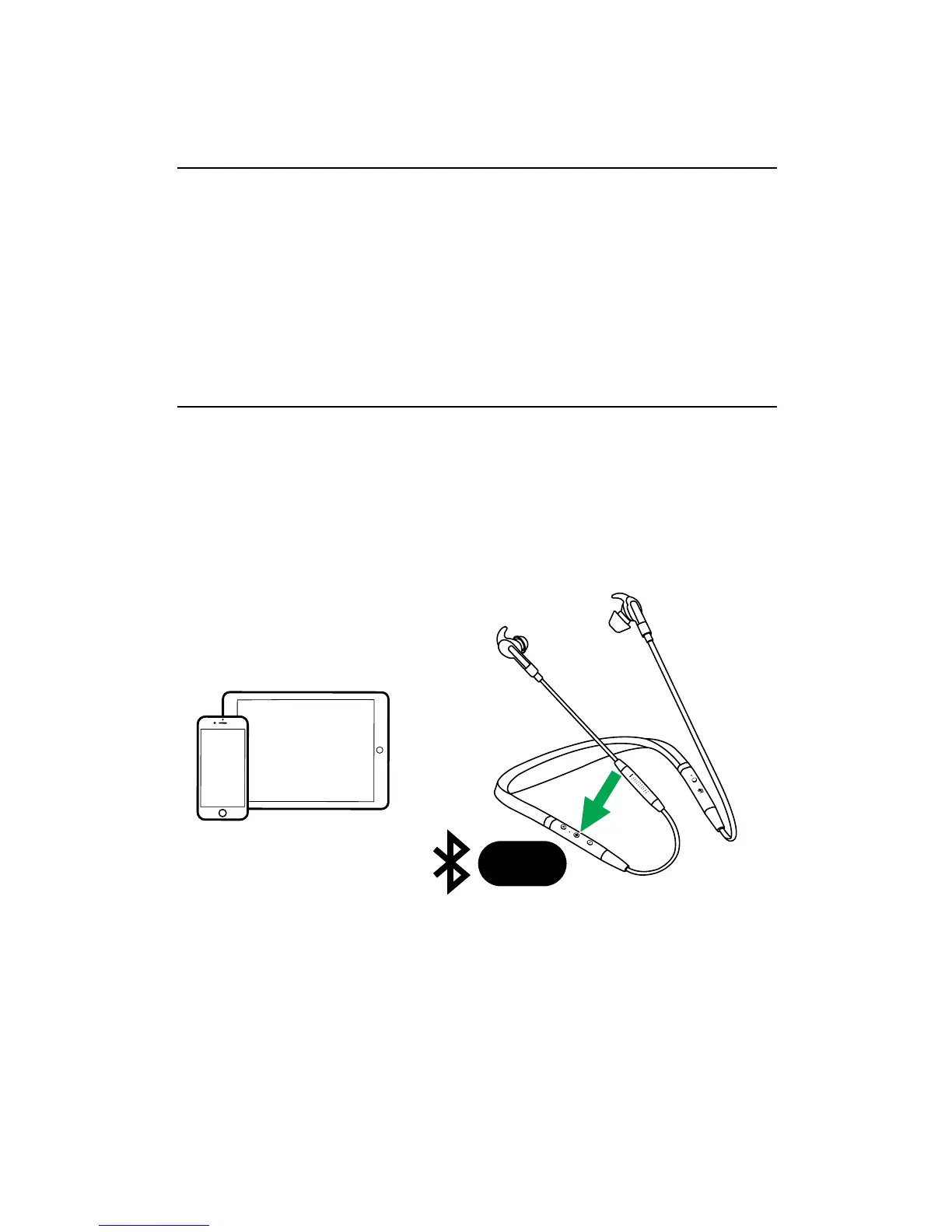
5.4 Pairing with a smartphone
1. Ensure the earbuds are powered off, and
then hold (3 secs) the Multi-function button
until the LED flashes blue and you hear an
announcement in the earbuds.
2. Wear the earbuds and follow the voice-guided
pairing instructions.
3 sec














 To Next Page