26
ENGLISH
6.10 How to reset
Resetting the earbuds clears the list of paired
devices and all earbud settings.
After resetting, it is necessary to re-pair the
earbuds to your smartphone or to your
Bluetooth adapter (Jabra Link 370). Please note
that Jabra Direct is required to re-pair the
earbuds to the Bluetooth adapter.
Reset
5
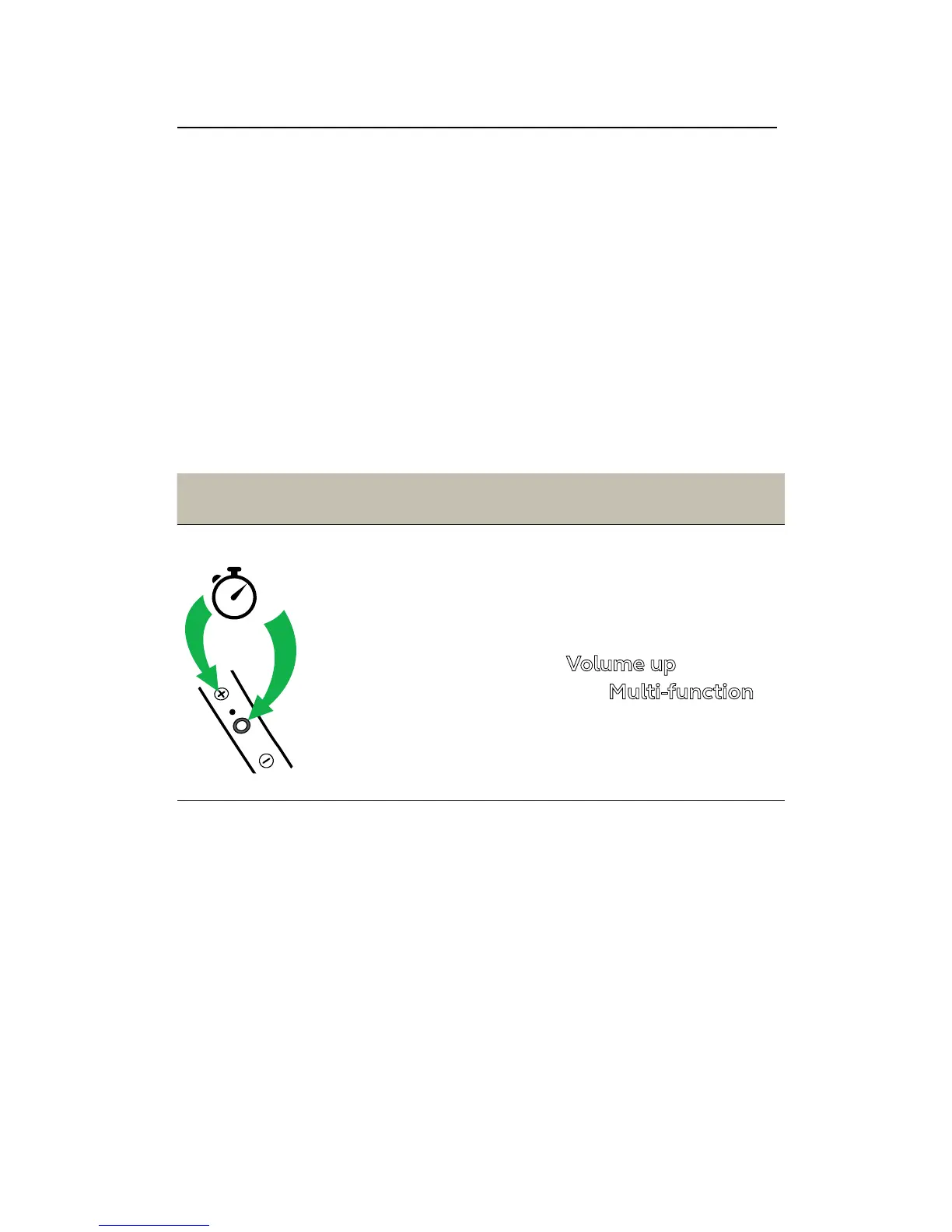
Reset the pairing
list
Ensure the earbuds are
powered on and you
are not on a call. Then
simultaneously hold
the
Volume up button
and the
Multi-function
button for 5 seconds.
You will then need to
re-pair the earbuds.














 To Next Page