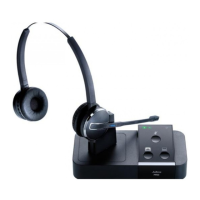
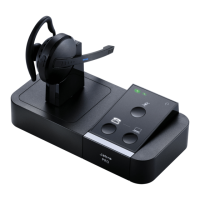
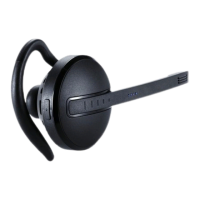
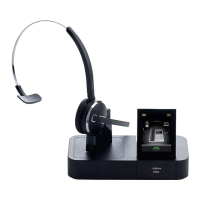
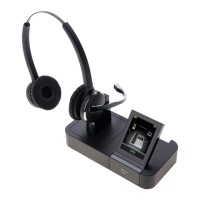
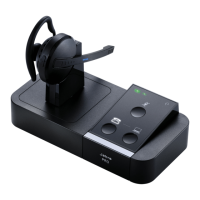
How to connect my Jabra PRO 9450 with Siemens Opti Point
410, 420, 500, 600
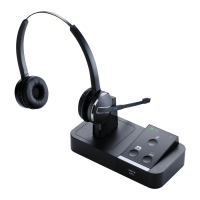
Jabra Pro 9450 Duo
Prerequisite:
Jabra PRO 9450 + Jabra LINK 14201-10 + Acoustic Adapter (only available
from Siemens)
In combination with one of the following phones:
Opti Point 410 standard / advance
Opti Point 420 standard / advance
Opti Point 500 basic / standard / advance
Opti Point 600
+ Opti Point acoustic adapter:
min. version number for: S30817-K7110-B508 -10
min. version number for: S30817-K7110-N508 -1
+ HiPath phone system:
HiPath 500 from V.5
HiPath 1220 from V2.1 build 032
HiPath 2000 from V1.0
HiPath 3000 from V3 SMR 14
HiPath 3000 from V4 SMR 7
HiPath 4000 from V1
Important: If one of the components is missing the remote call control will
not work.
Connection:
1. Plug the 1-sided end of the DHSG cable marked "blue" into the socket
https://www.jabra.no/supportpages/jabra-pro-9450/9450-29-707-101/faq/2709415d-
7235-4e16-8118-ec6fb7422f8a
Side 1 av 3




 To Next Page