- 68 -
(a) (b)
(a) (b)
图/figure 9.4
B.【件数计数器】【No. of pcs. counter】
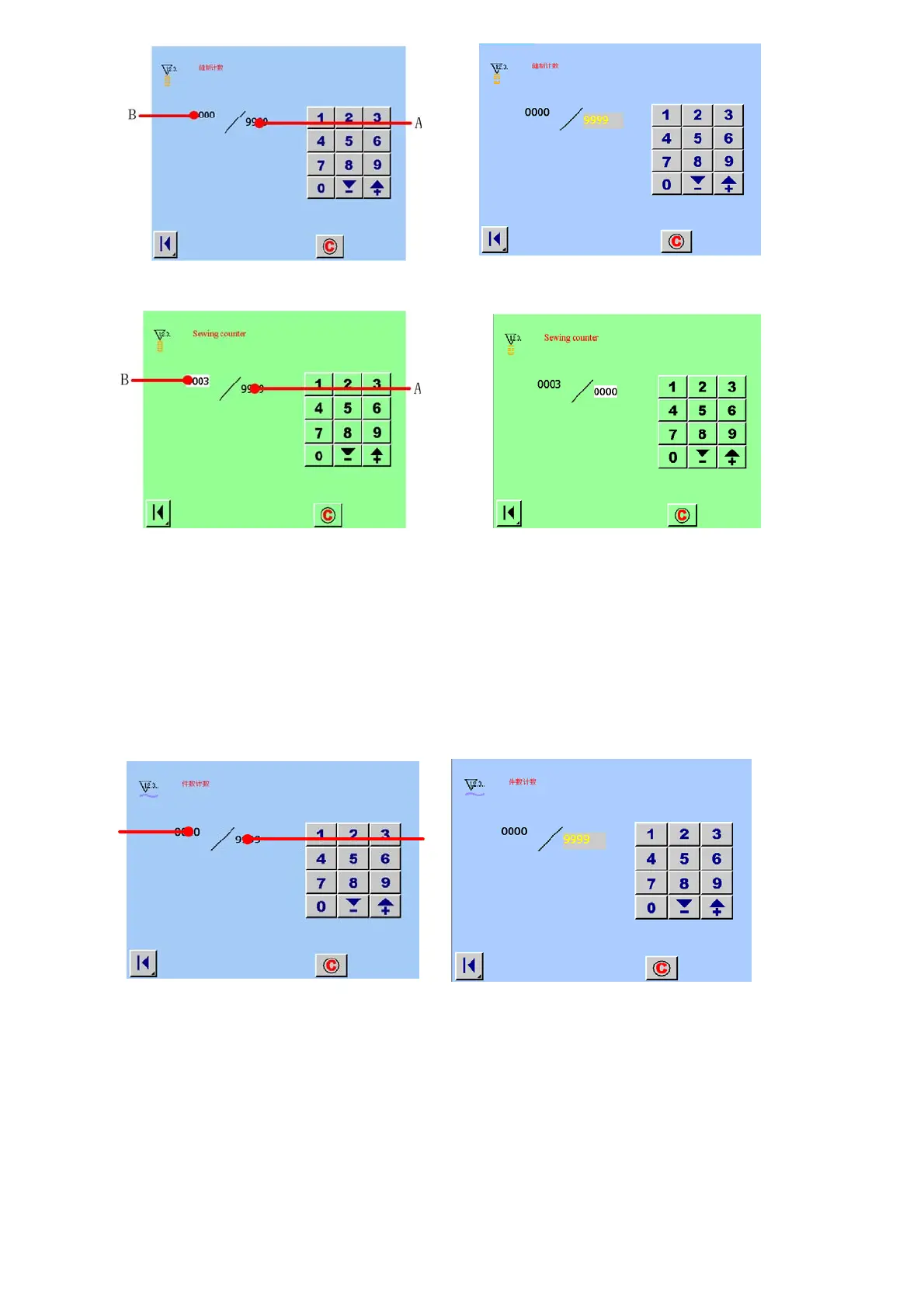
件数计数器时,触摸 A 区域(计数器设定值)如图 9.5(a)所示,显示出设定值的输入画面(触摸 B 区域(计数器现在值),
作相应的变化)。如如图 9.5(b)所示。此时就可以进行计数器值的变更。Press area A(counter set value, see figure 9.5(a) ), and
the set value input screen is displayed. Then , you can change the No. of pcs. counter. Also, you can Press area B(counter set
value, see figure 9.5(b) ), the operation have the same details.
(a) (b)
A
B



 To Next Page