Page 39
J-400 Series
= Radio/CD Menu icon: Press button C to access the radio or
CD device submenus (page 45).
Note: When you enter the submenu, the system will default to the last
device that was used. If the Radio was used, it will also default to the last
broadcast band used (AM/FM).
= Radio icon: Allows access to the FM presets, FM tune, AM
presets, and AM tune modes (page 45).
= CD icon: Indicates that a CD is currently playing (page 49).
= Previous icon: Press button D to return to the Previous
menu.
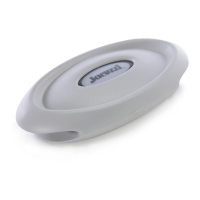
= Splash button: This is a multi-task button, depending on the
menus and action required. The Splash button can select,
save, set, pause or play, preset submenus, and turn off the
system.


 To Next Page
 Loading...