HS-1RS User’s Manual Page 40
Decode Window Left/Right
The Left and Right boundaries for the decode window can be set either by sending the
serial command shown under the barcodes below with a value between 0 and 843, or by
building a menu command barcode.
Default Left boundary = 338. Default Right boundary = 506.
Please contact JADAK if assistance is needed
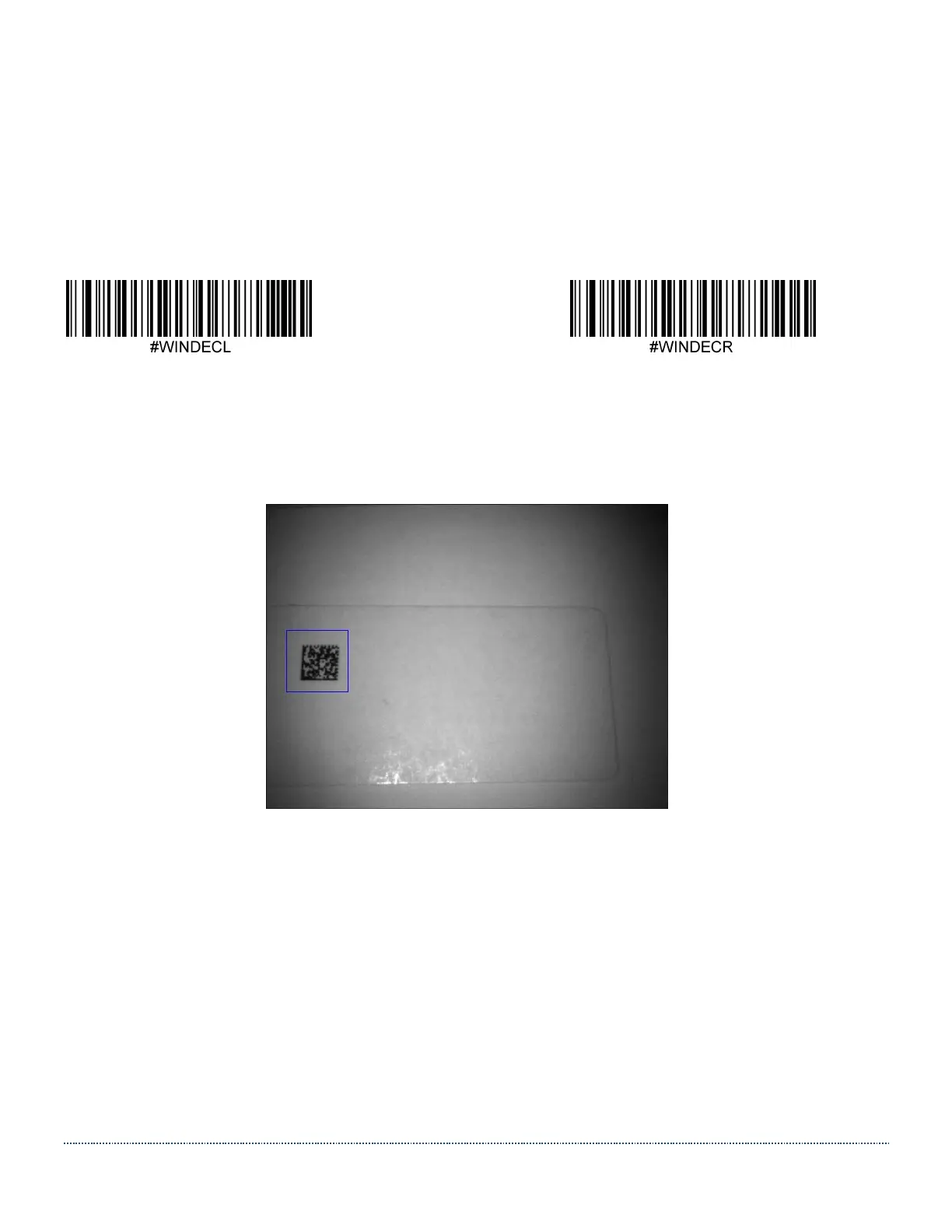
This is a screenshot of an example where a Decode Window with T=260, B=390, L=40, R=170
was used to speed up decoding a Data Matrix code that was offset to the left in the Field of View.
Note: This image was taken and transmitted using a regular HS-1 Scanner (non-RFID model).


 To Next Page